
Mastering UML System Modeling: Choosing the Right Visual Paradigm Edition
Welcome to your comprehensive guide on mastering system modeling with Visual Paradigm. Whether you are a student learning the basics of UML, a business analyst mapping out complex business processes, or an enterprise architect designing scalable frameworks, selecting the right tool is crucial for your success. Visual Paradigm offers a robust suite of features, but navigating the different editions can be overwhelming.
This tutorial will walk you through the strategic process of choosing the appropriate Visual Paradigm Desktop edition, helping you align your modeling capabilities with your specific organizational needs.
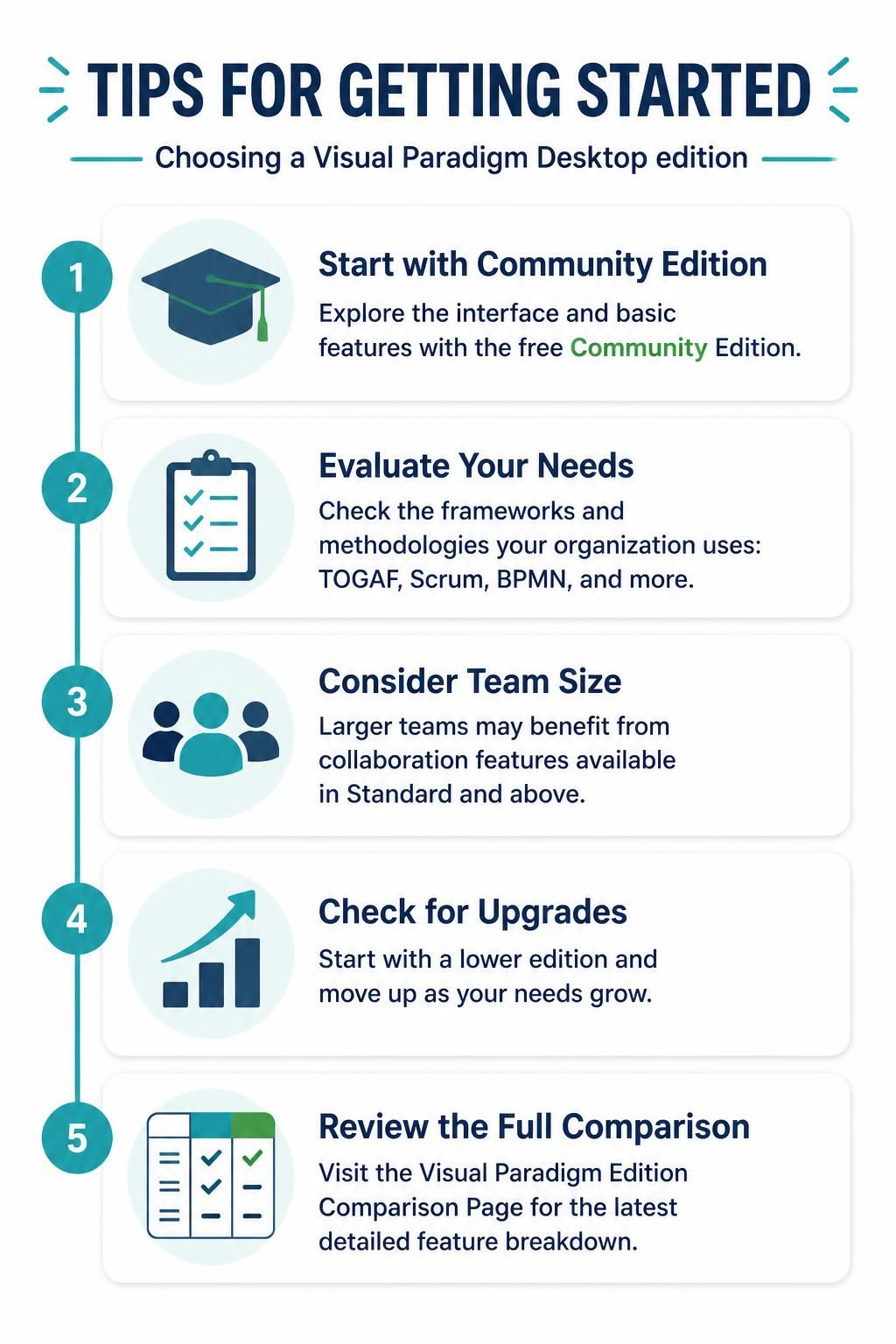
Step 1: Start with the Community Edition
If you are new to the world of system modeling or are just beginning your journey with Visual Paradigm, there is no better place to start than the free Community Edition. This version is designed to allow users to explore the interface and utilize basic features without any financial commitment.
- Best for: Students, hobbyists, and individuals testing the waters of BPMN, UML, or SysML modeling.
- Key Benefit: Zero cost, allowing you to learn the syntax and UI without barriers.
Step 2: Evaluate Your Specific Needs
Once you have a feel for the software, it is time to look at the broader picture. Different industries and organizations rely on specific methodologies. Your choice of edition should be dictated by the frameworks your team requires.
Ask yourself: Does your organization strictly adhere to TOGAF for enterprise architecture? Do you follow Scrum for agile project management? Or is your focus on BPMN for business process optimization? Visual Paradigm editions are tiered to support these specific needs.
Identifying the Optimal Modeler
For the vast majority of practical users—such as business analysts, system designers, and consultants—who need to create professional, standardized diagrams without the overhead of code engineering or heavy enterprise frameworks, the Modeler Edition stands out as the optimal choice.
Its focus on pure modeling, cost-effectiveness, and professional output has earned it the trust of over a million users worldwide. It provides the precision required for engineering complex systems while remaining accessible for consultants who need high-quality deliverables.
Step 3: Consider Your Team Size
Modeling is often a collaborative effort. As your projects grow, the need for real-time collaboration becomes apparent. Visual Paradigm scales to accommodate this:
- Small Teams: The Modeler Edition is often sufficient for individual or small team work.
- Larger Teams: If you are managing a larger group, you will benefit significantly from collaboration features available in the Standard Edition and above. These editions facilitate better teamwork, version control, and shared repositories.
Step 4: Plan for Future Upgrades
One of the most flexible aspects of Visual Paradigm is its upgrade path. You do not need to commit to the most expensive license immediately. You can start with a lower edition (like Community or Modeler) and move up as your requirements grow. This scalability ensures that your software investment grows in tandem with your organization’s complexity.
Conclusion
Visual Paradigm Desktop provides a scalable solution that grows with your needs. Whether you are implementing TOGAF frameworks or simply drawing a sequence diagram, there is an edition designed for your specific requirements. By understanding the differences between editions, you can make an informed decision that balances functionality, collaboration needs, and budget constraints.
For the most up-to-date pricing and feature details, always refer to the official Visual Paradigm website to ensure you are making the best choice for your technical environment.
Tooling: Visual Paradigm
This tutorial has utilized the capabilities of Visual Paradigm UML to demonstrate how a structured approach to selecting the right software edition can enhance your system modeling workflow. By leveraging the specific strengths of the Visual Paradigm suite, you can ensure your diagrams are not only accurate but also aligned with industry standards.