


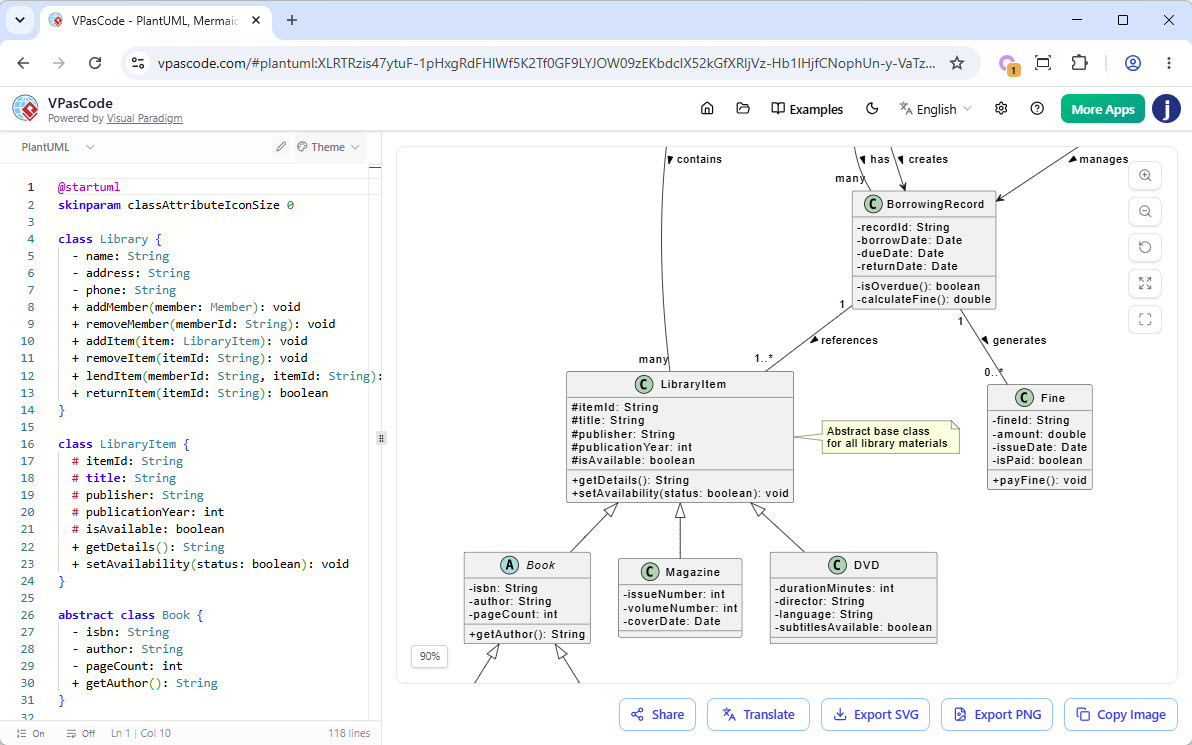
What Is Diagram as Code?
Diagram as code refers to the practice of defining diagrams using text-based syntax instead of graphical interfaces. This approach allows developers, architects, and technical writers to:
- Version control diagrams alongside code (e.g., in Git).
- Collaborate efficiently by editing diagrams in plain text.
- Integrate diagramming into documentation workflows.
Tools like PlantUML, Mermaid, and Graphviz have popularized this method, but VPasCode takes it further by unifying all these formats in a single, powerful online text-to-diagram tool.
Why Use a Text-Based UML Tool?
Traditional diagramming tools often require manual dragging, resizing, and alignment—tasks that are time-consuming and error-prone. With a text-based UML diagram editing tool like VPasCode, you can:
- Write diagrams in code: Define a class diagram, sequence diagram, or component diagram using simple, readable syntax.
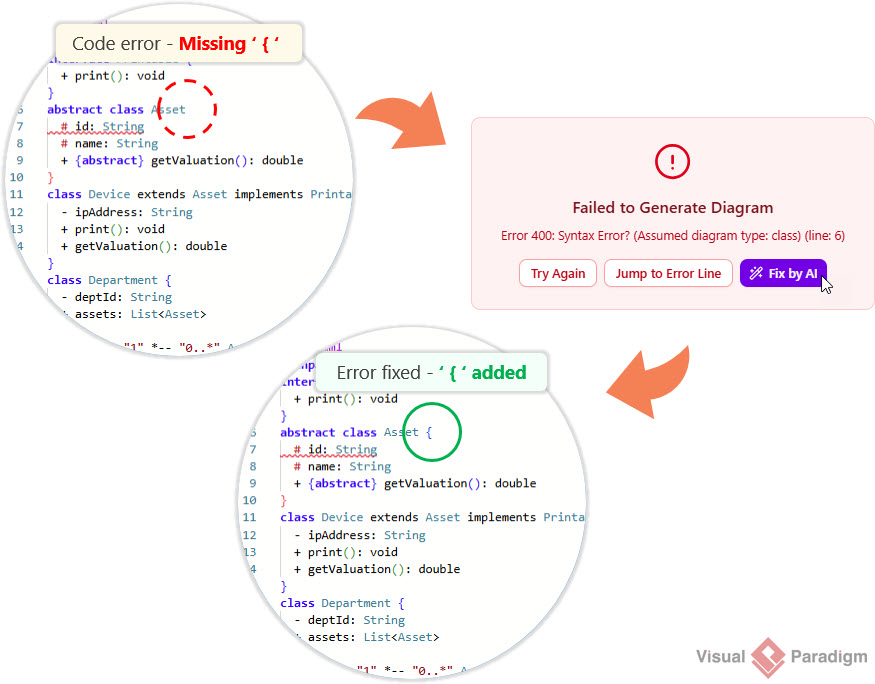
- Fix errors with AI: VPasCode’s AI code error fixing ensures your diagrams are always valid.
- Translate diagrams instantly: Need to convert a PlantUML diagram to Mermaid? VPasCode’s AI content translation handles it.
- Edit for free: VPasCode’s core editing features are completely free—no hidden costs.
Supported Diagram Types in VPasCode
VPasCode supports a wide range of diagram types across multiple standards, making it the most versatile diagram as code software available. Here’s what you can create:
PlantUML
- Class diagram
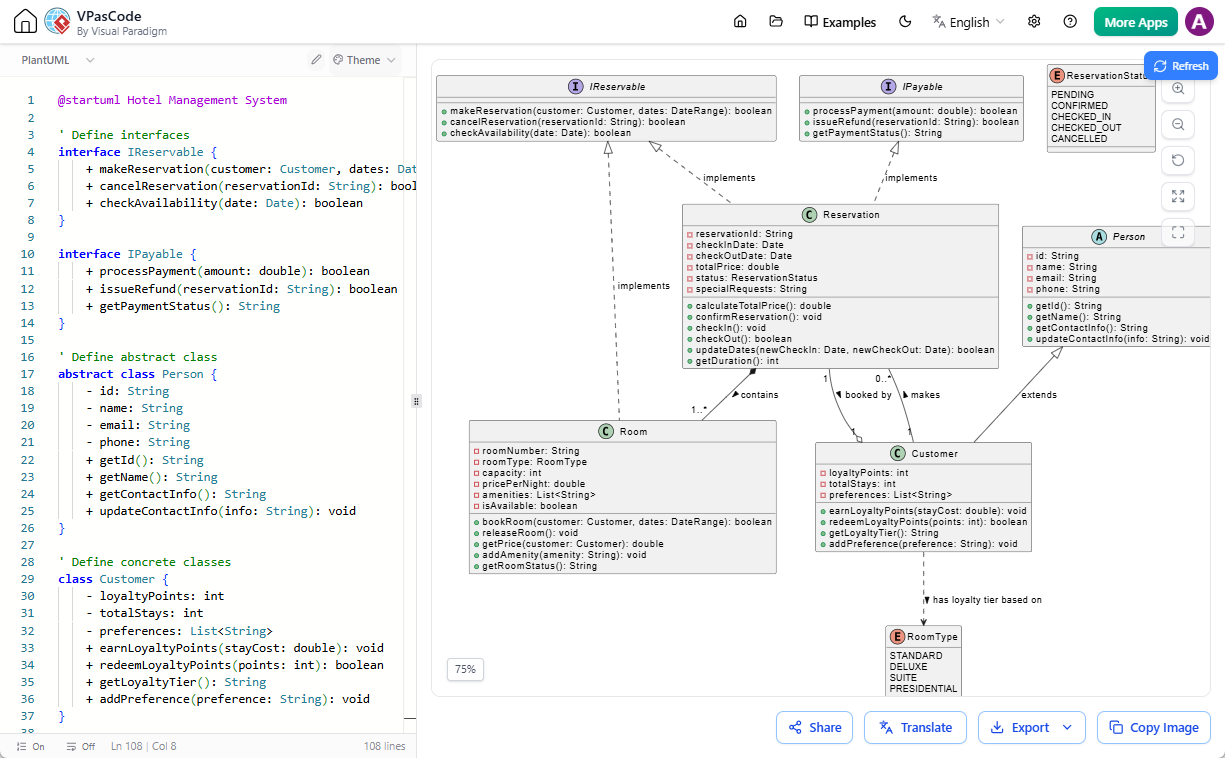
- Sequence diagram
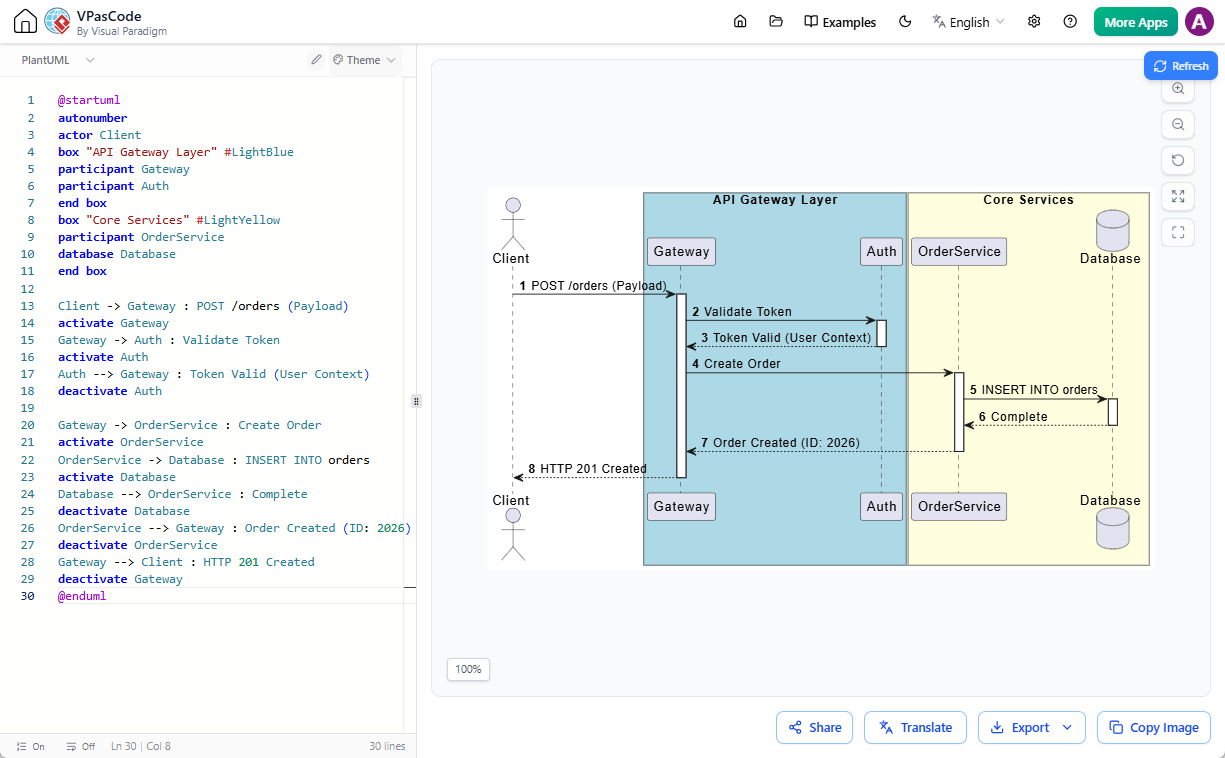
- Use case diagram
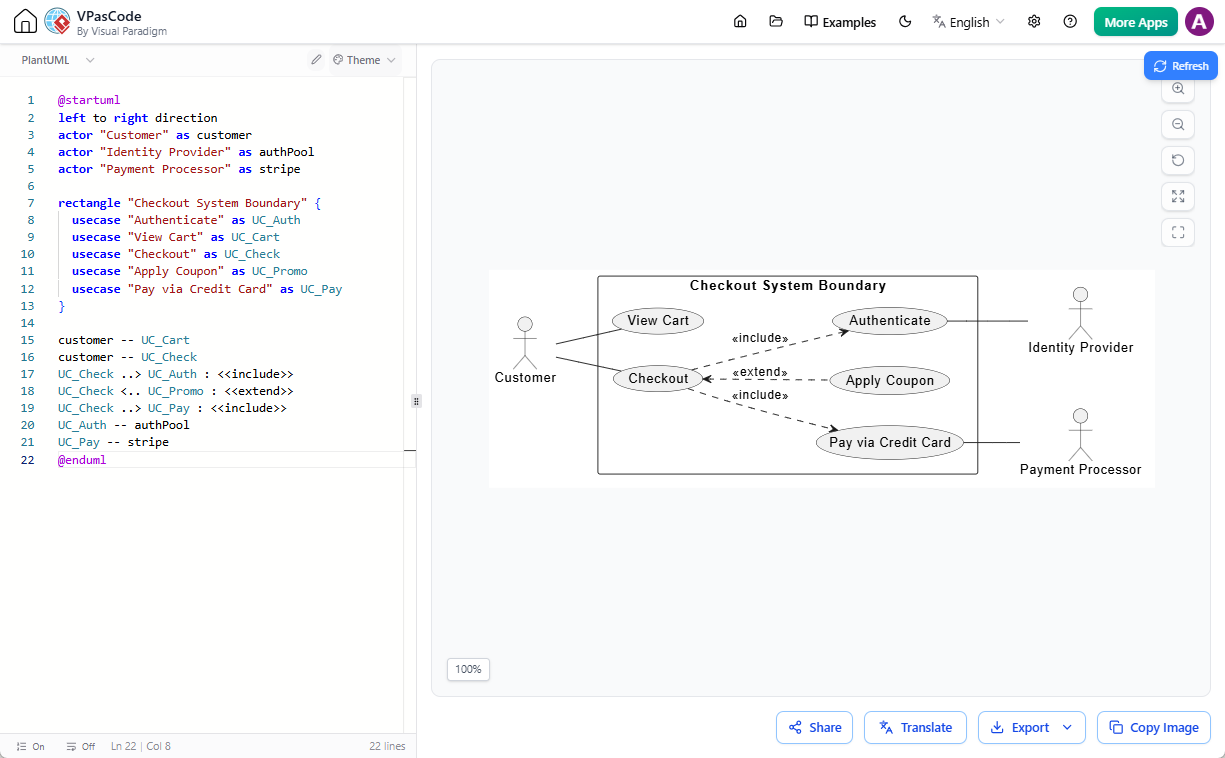
- Activity diagram
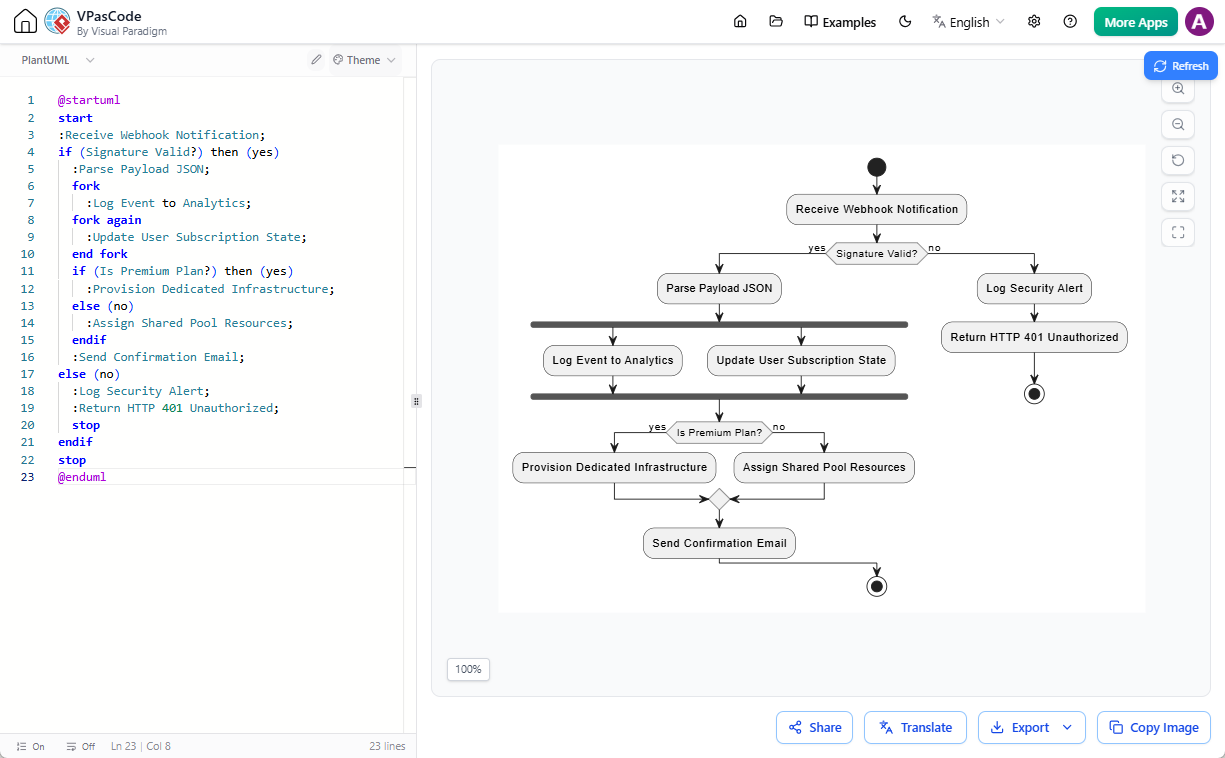
- State diagram
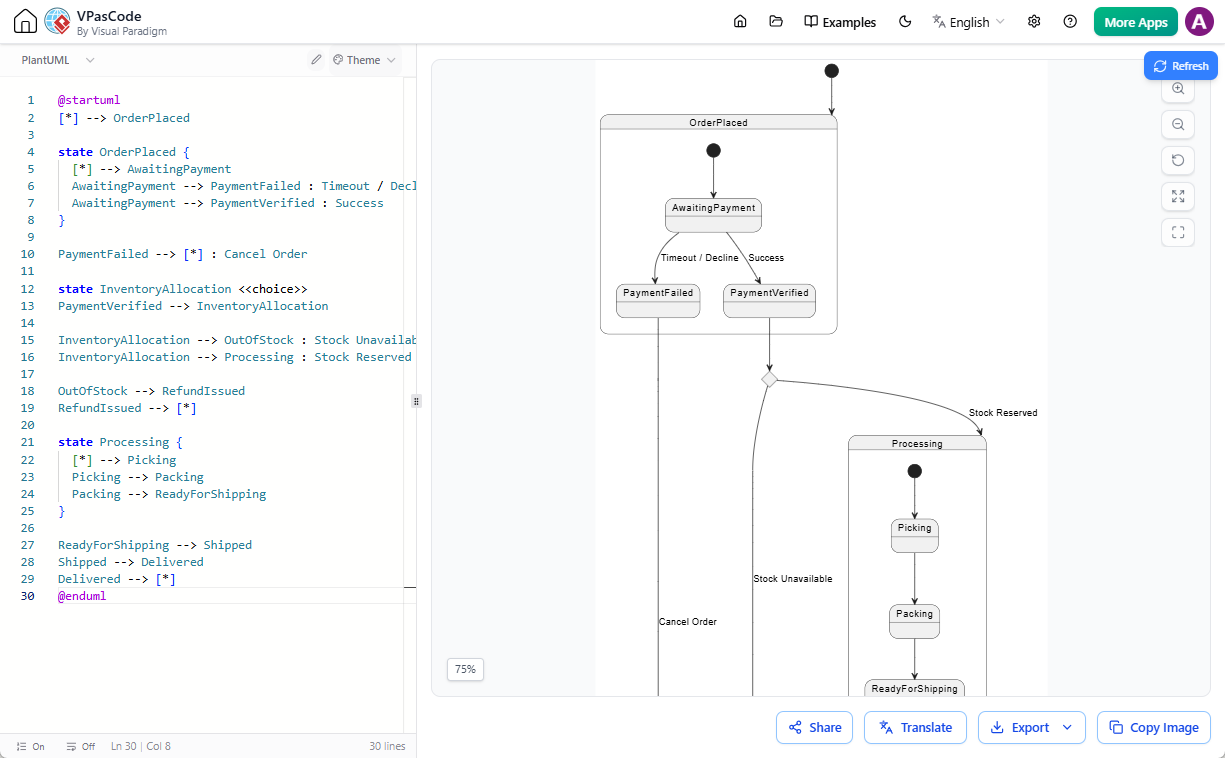
- Component diagram
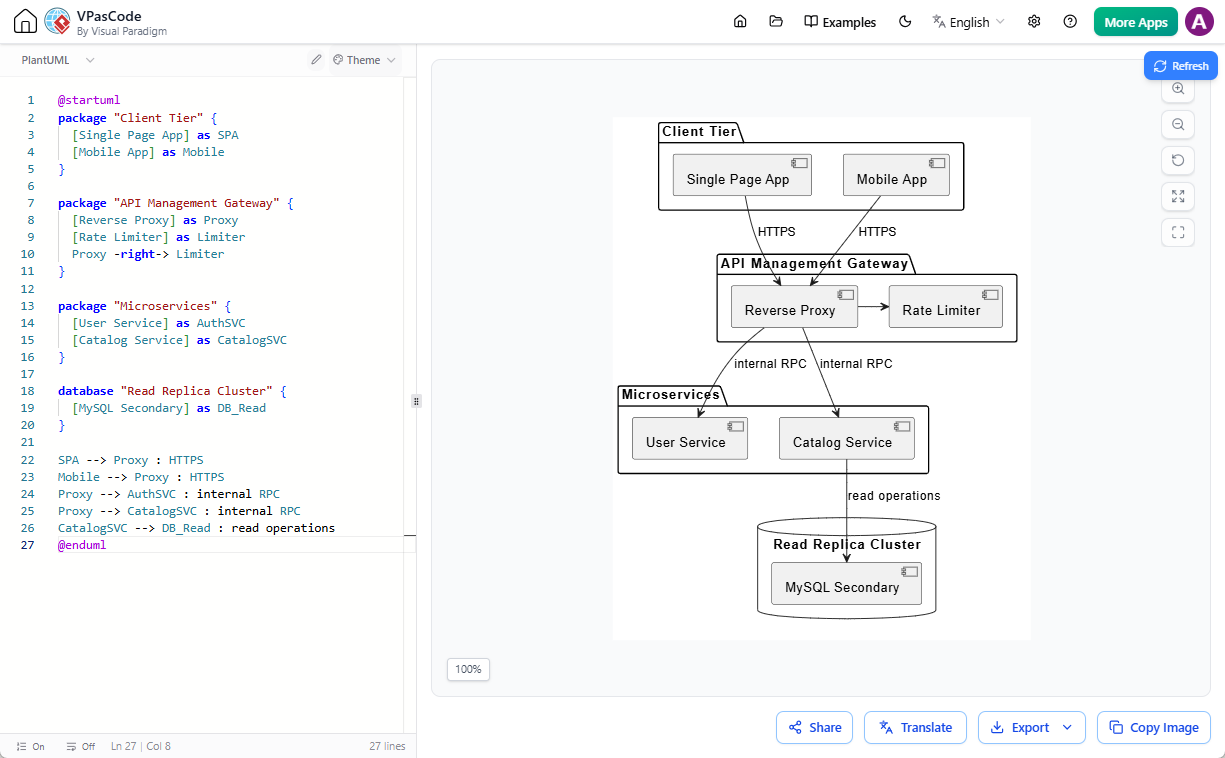
- Deployment diagram
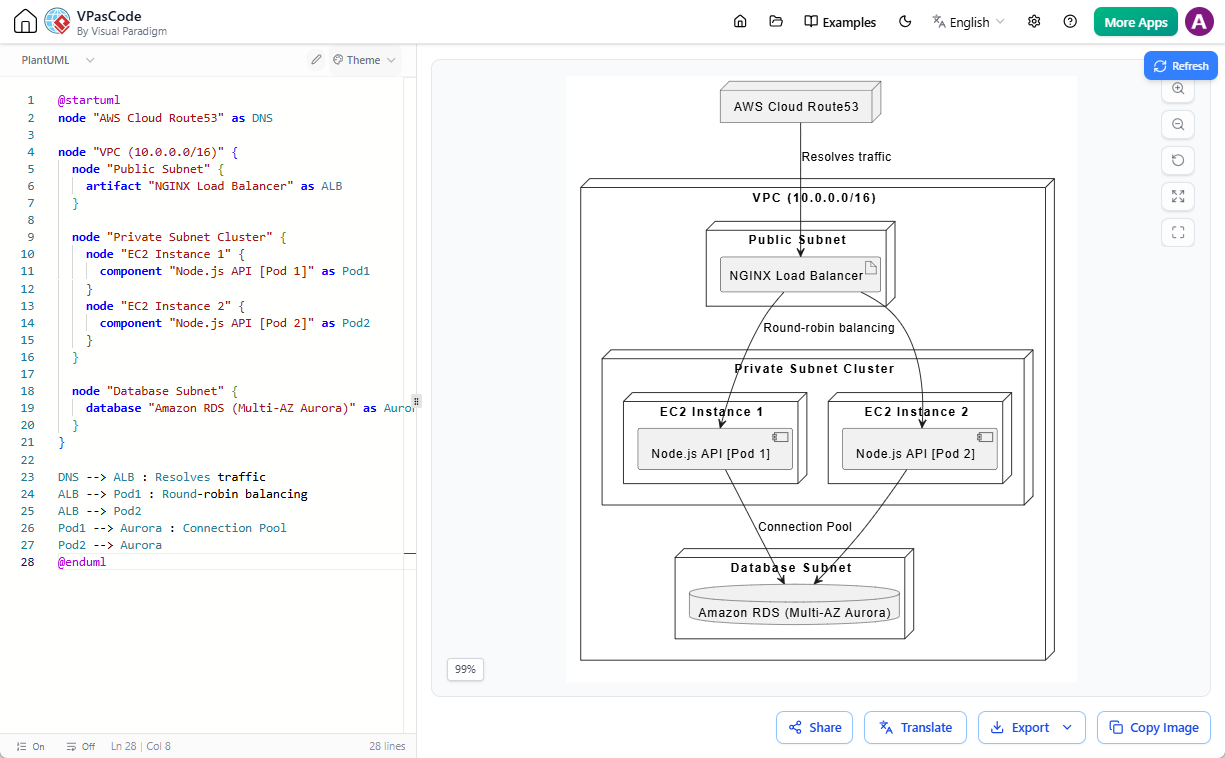
- Timing diagram
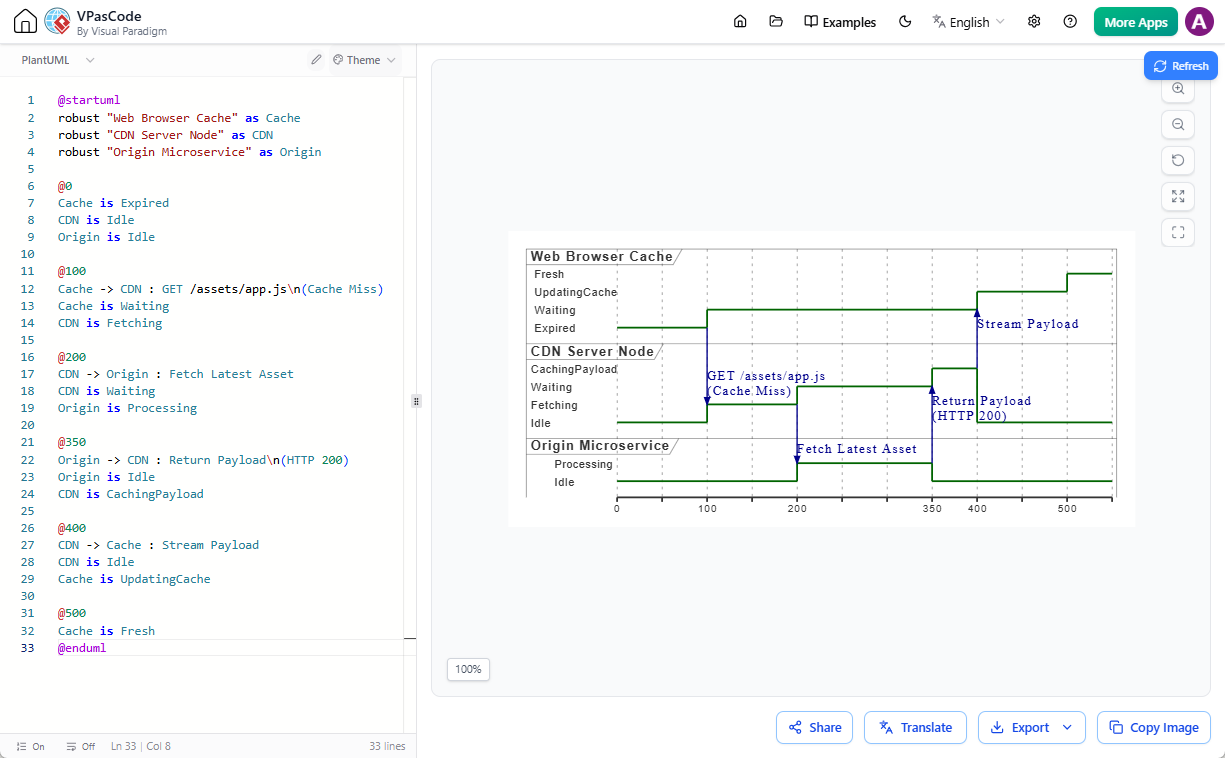
- Object diagram
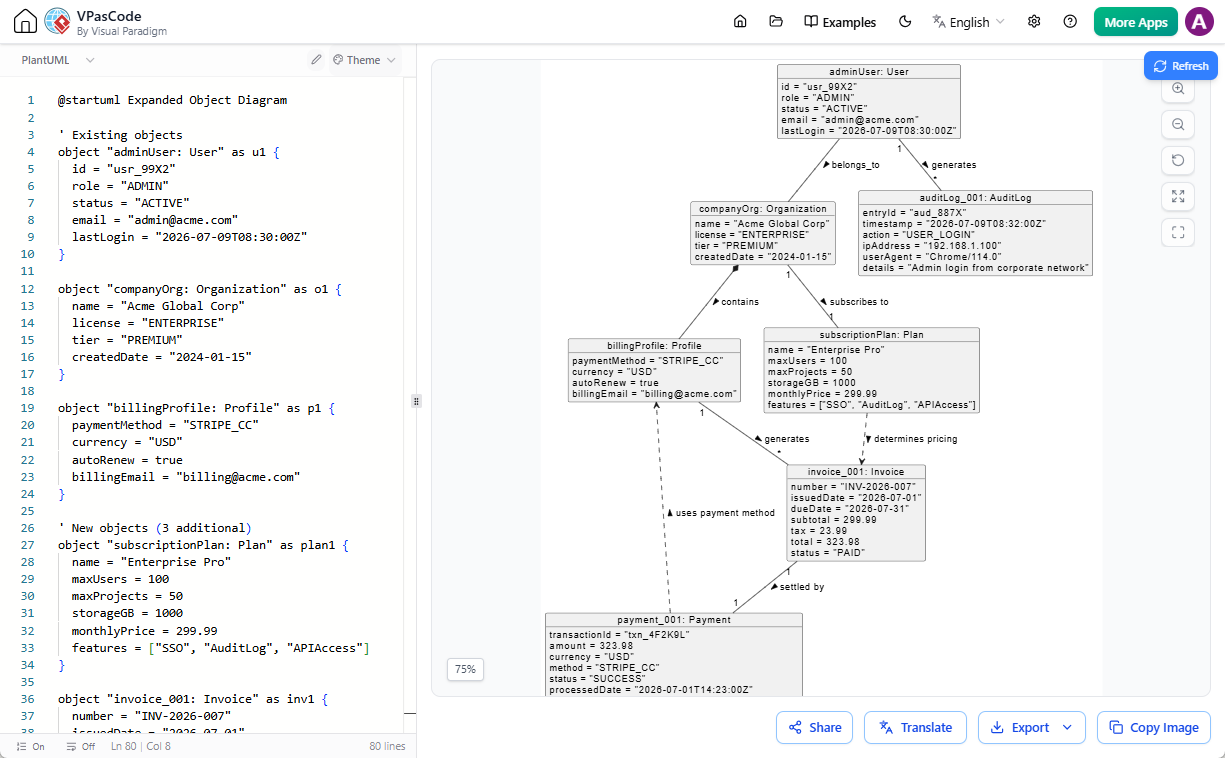
- And more: ArchiMate, C4, ERD, Network, WBS, Gantt, Mind Map, Chen ERD, Regex, Salt, JSON, YAML
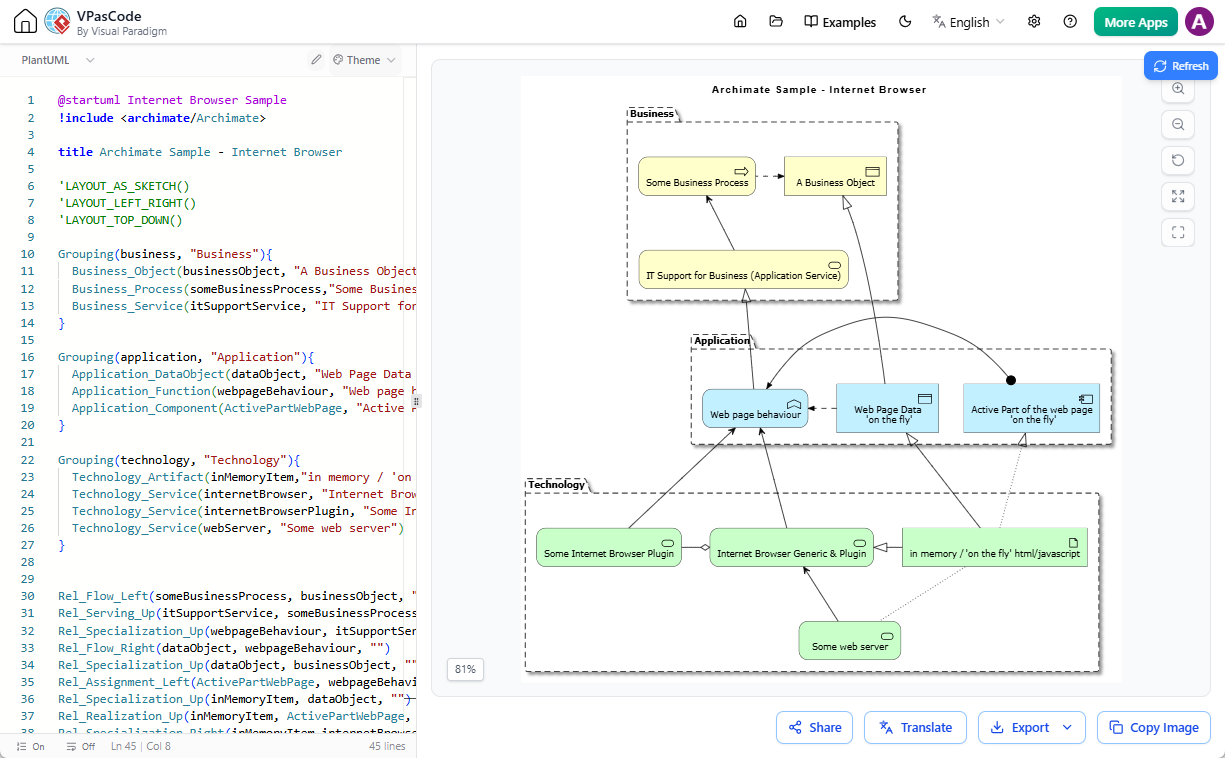
Mermaid
- Flowchart
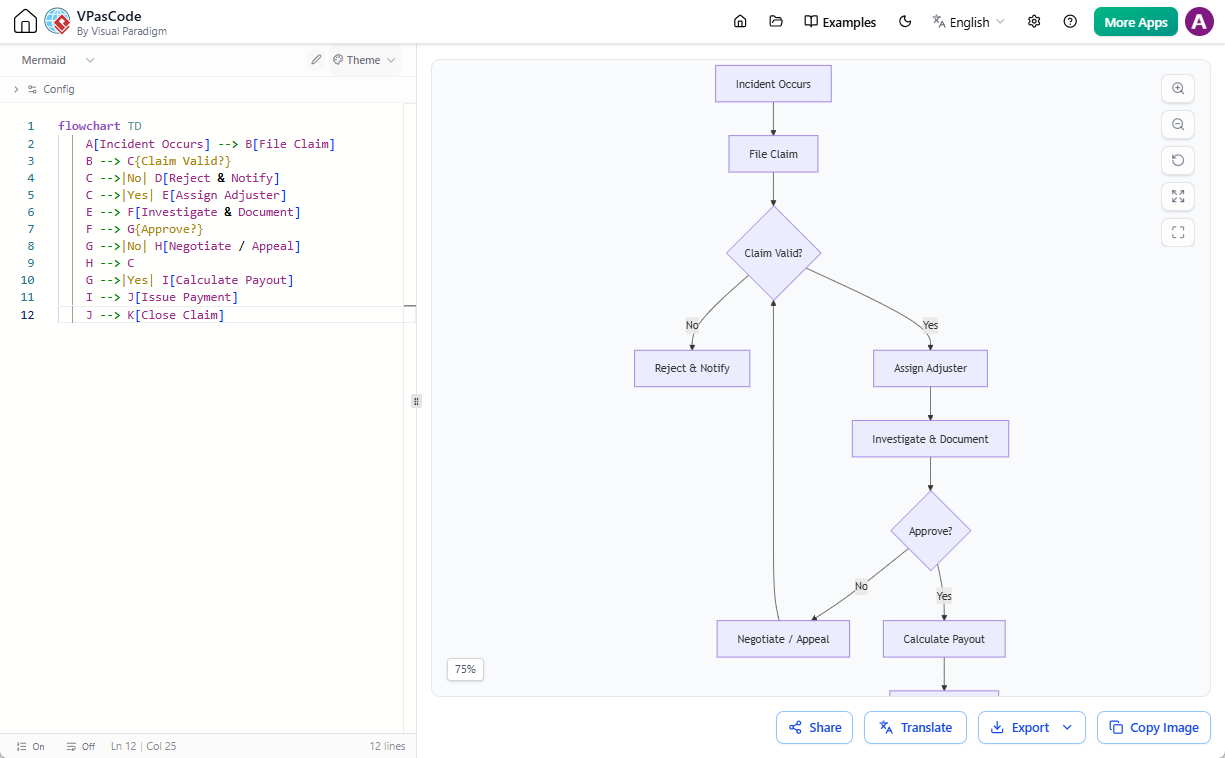
- Sequence diagram
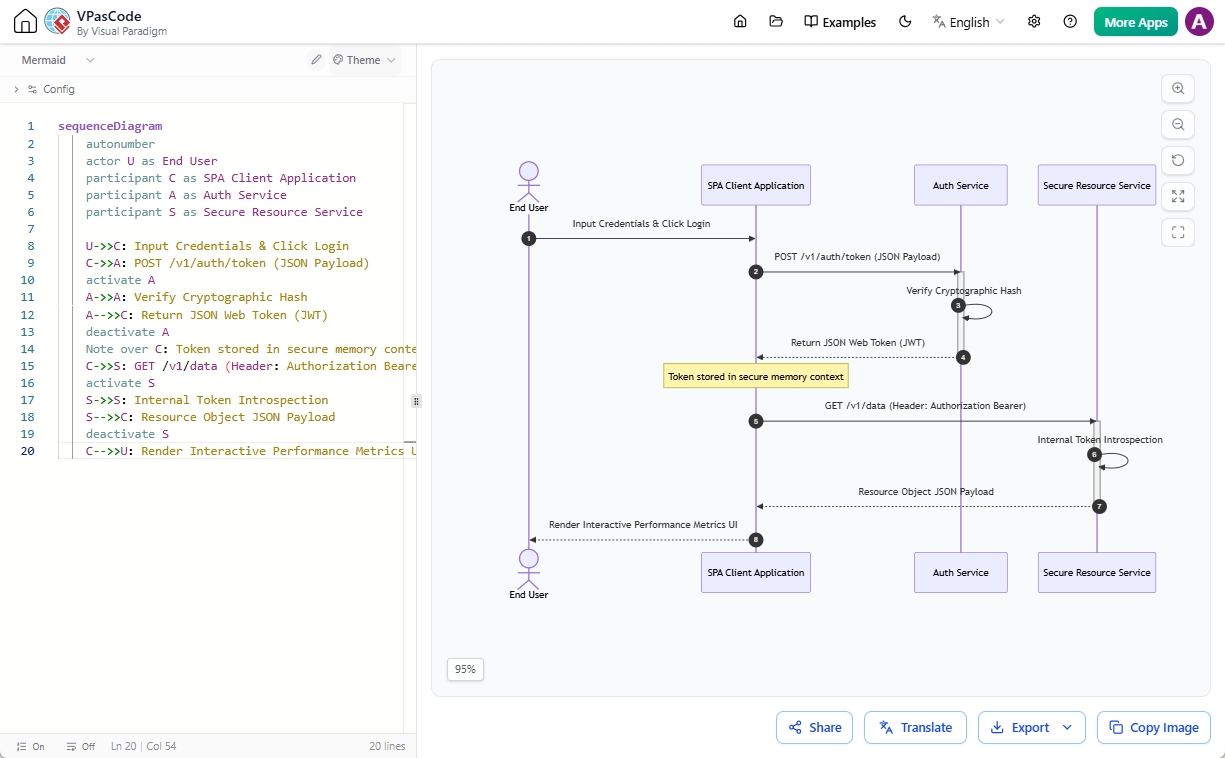
- Class diagram
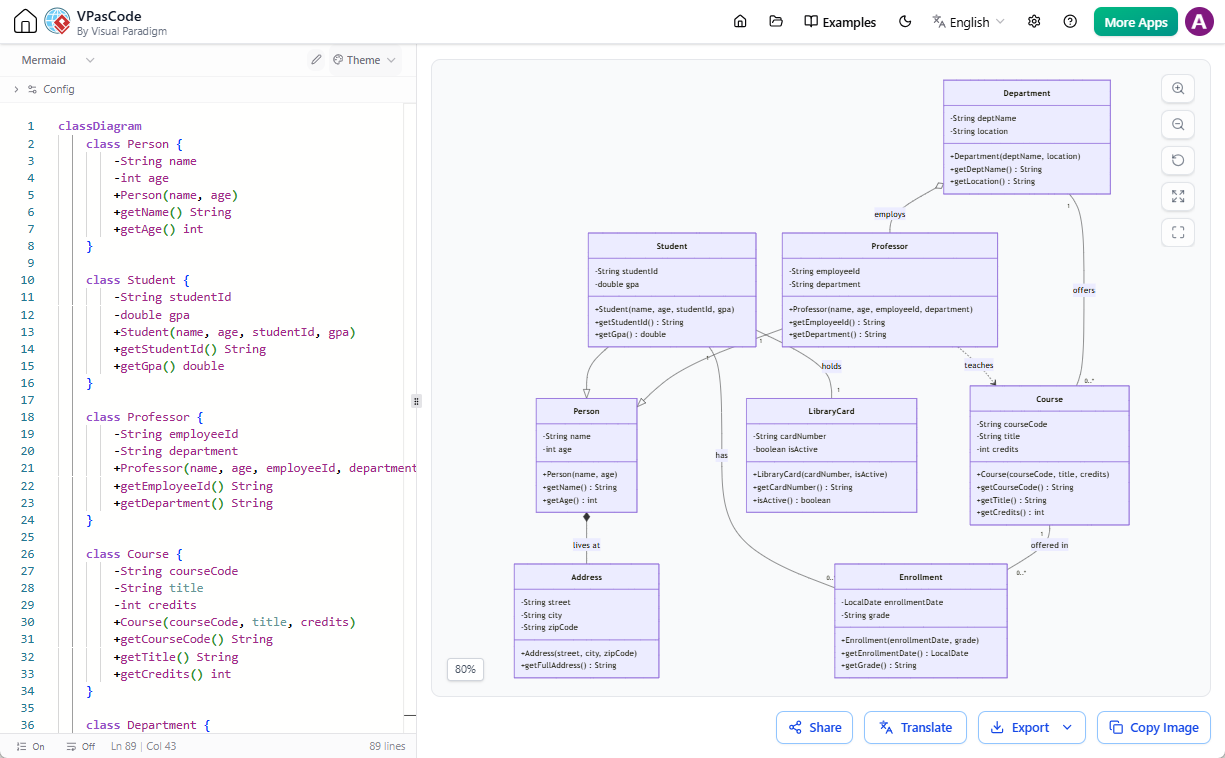
- State diagram
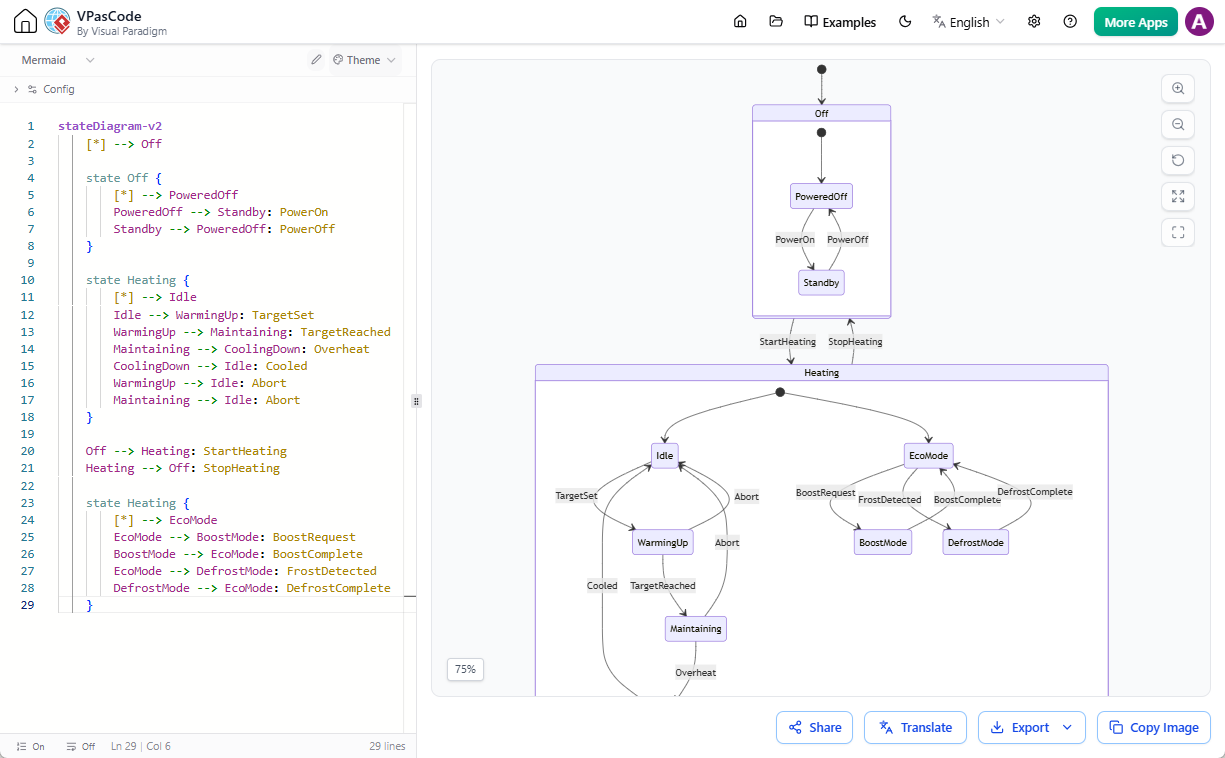
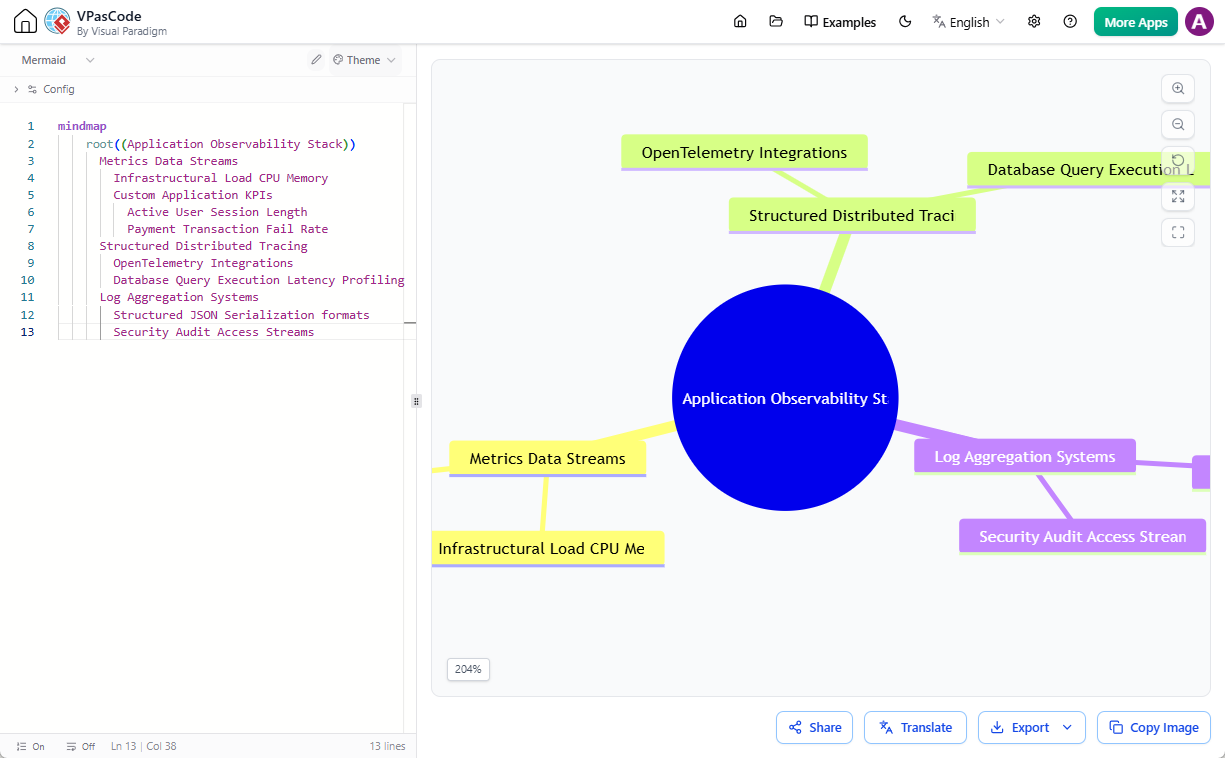
- ER diagram, Gantt chart, User Journey, Git Graph, Pie Chart, C4, Mind Map, Timeline, Quadrant, Requirement Diagram, Sankey, XY Chart, and more
Graphviz
- Digraph
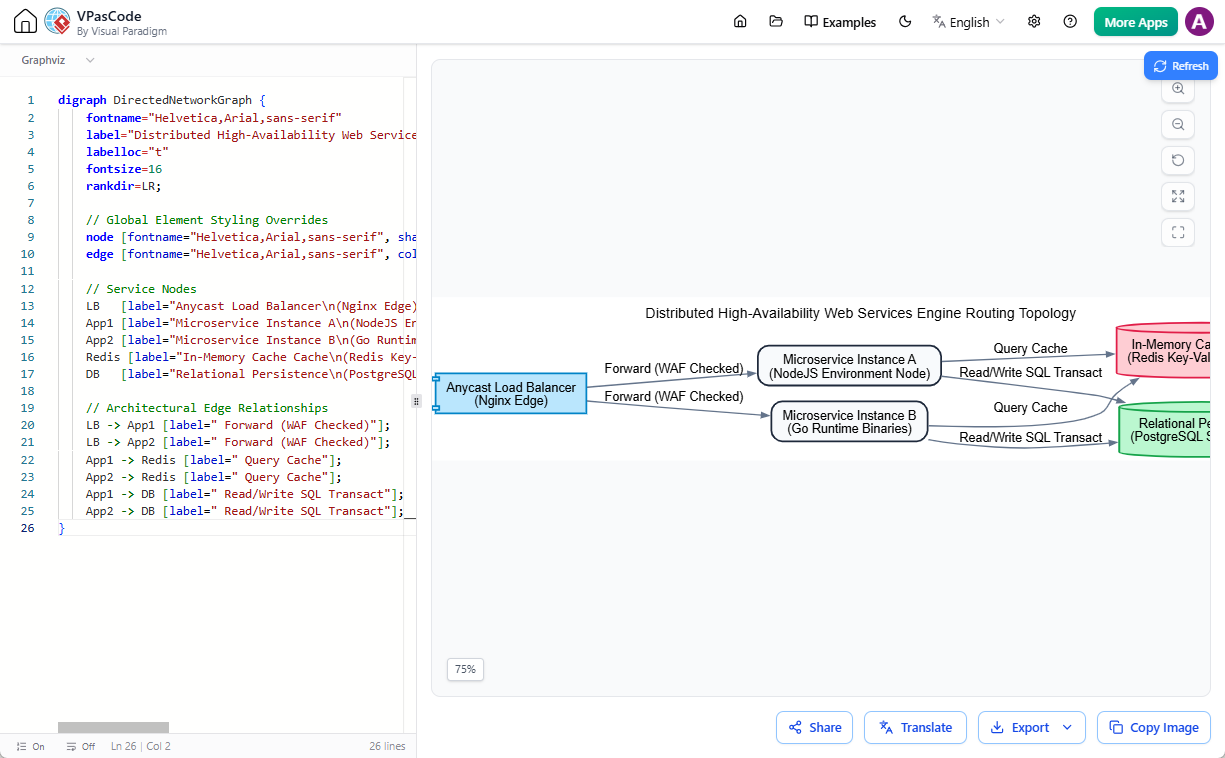
- Graph
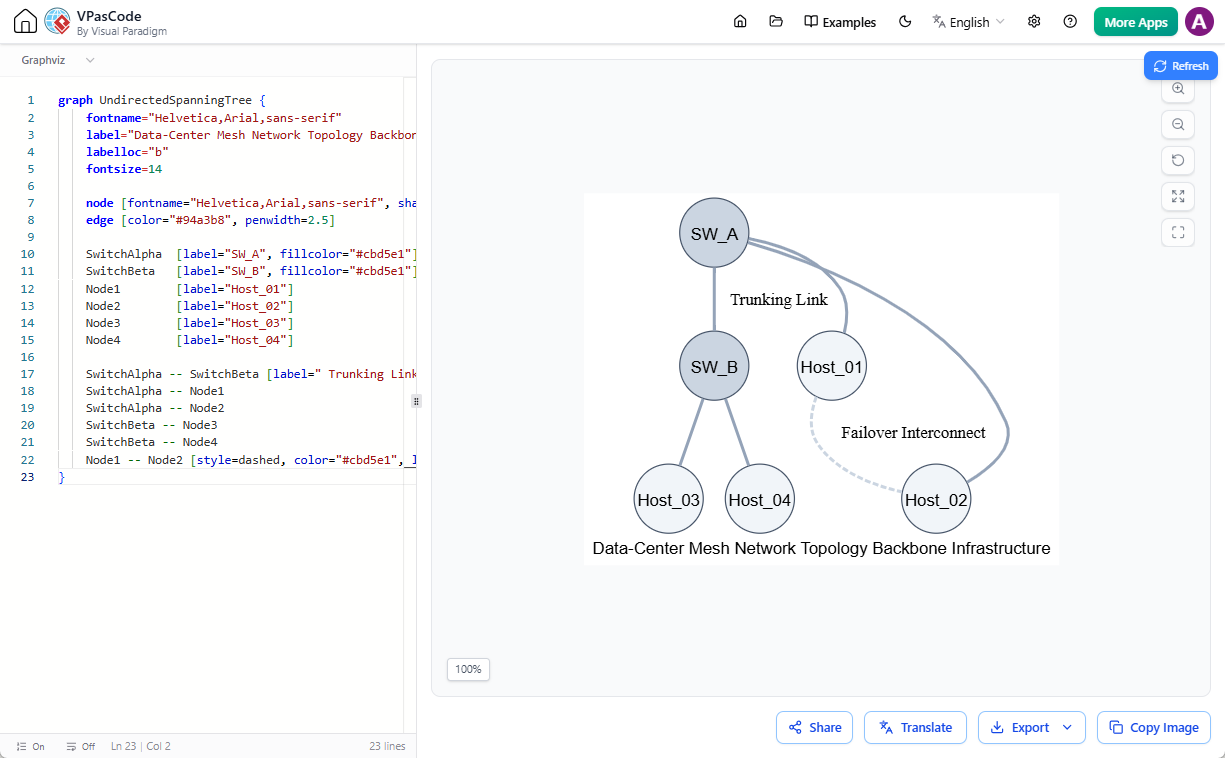
- Flowchart
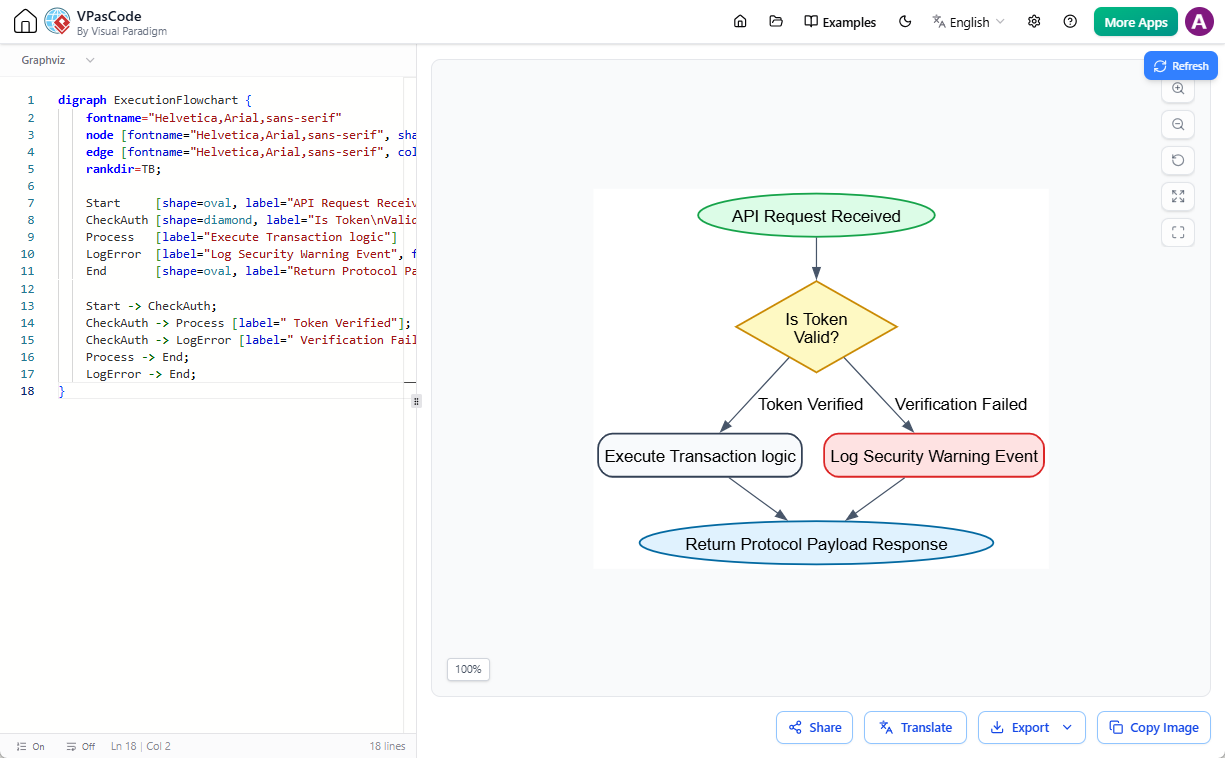
- Org chart
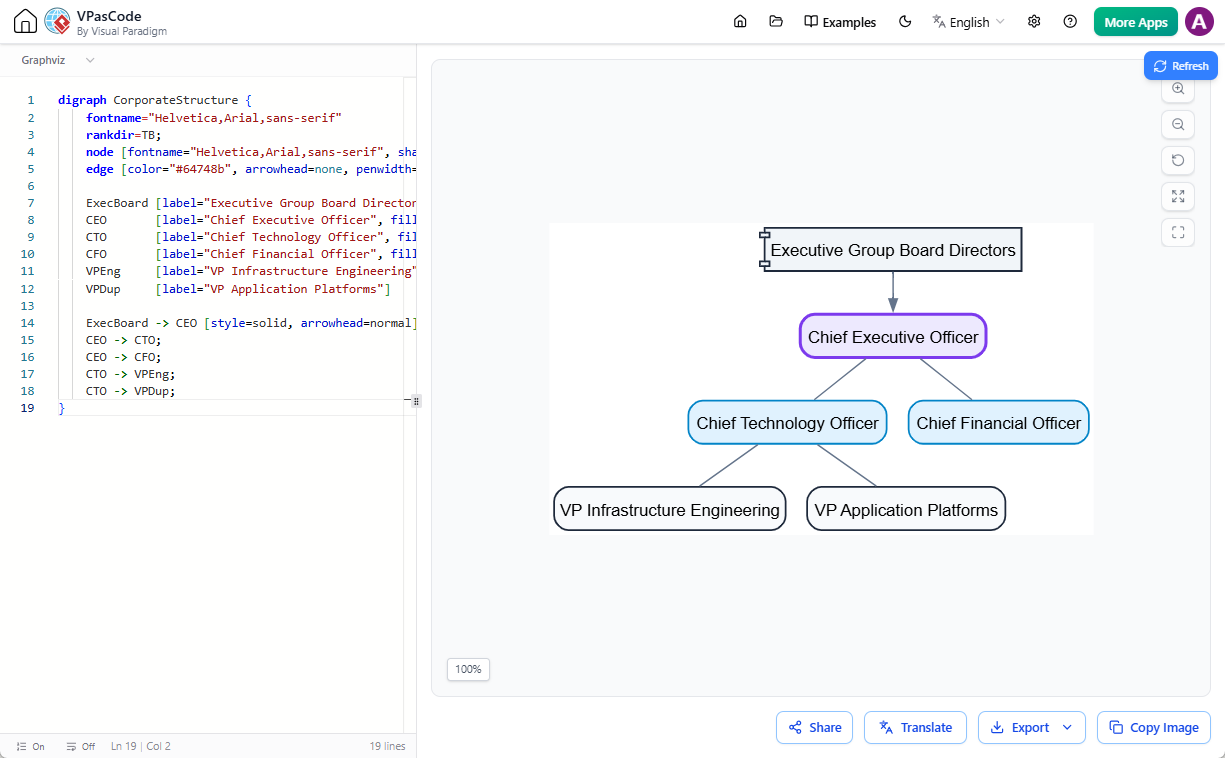
- Cluster
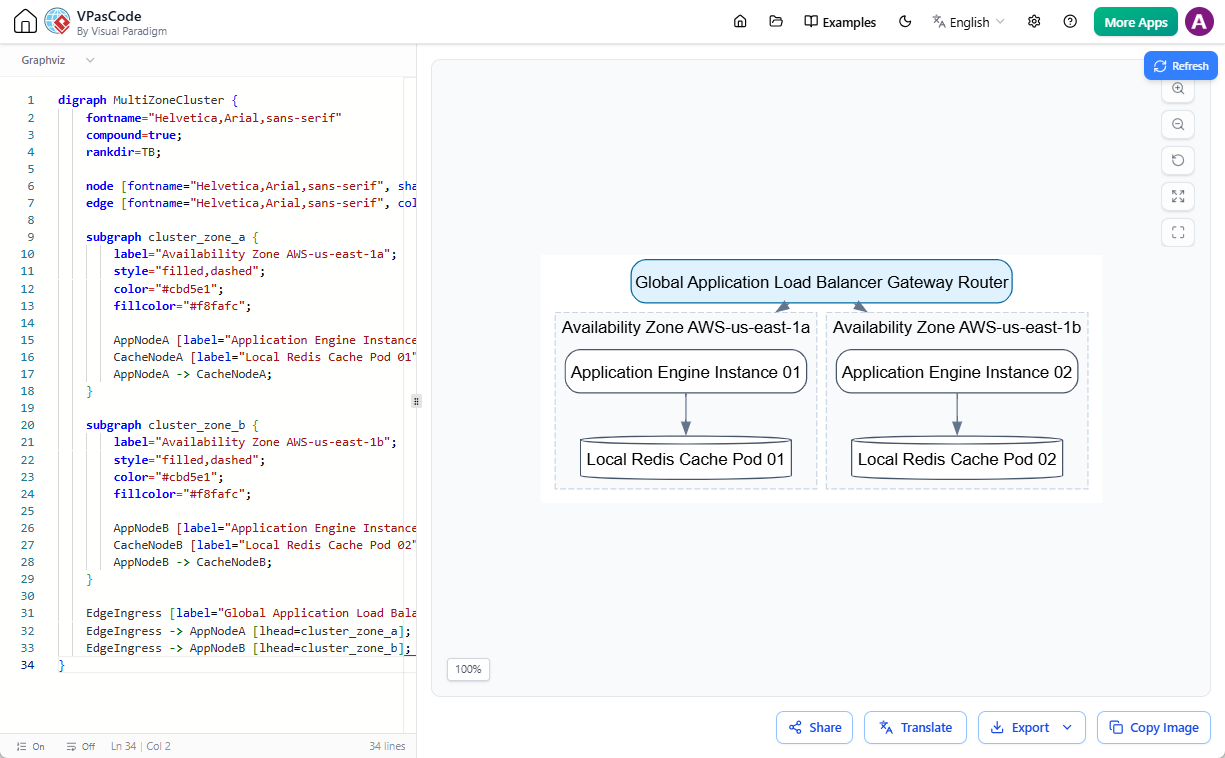
- Data flow
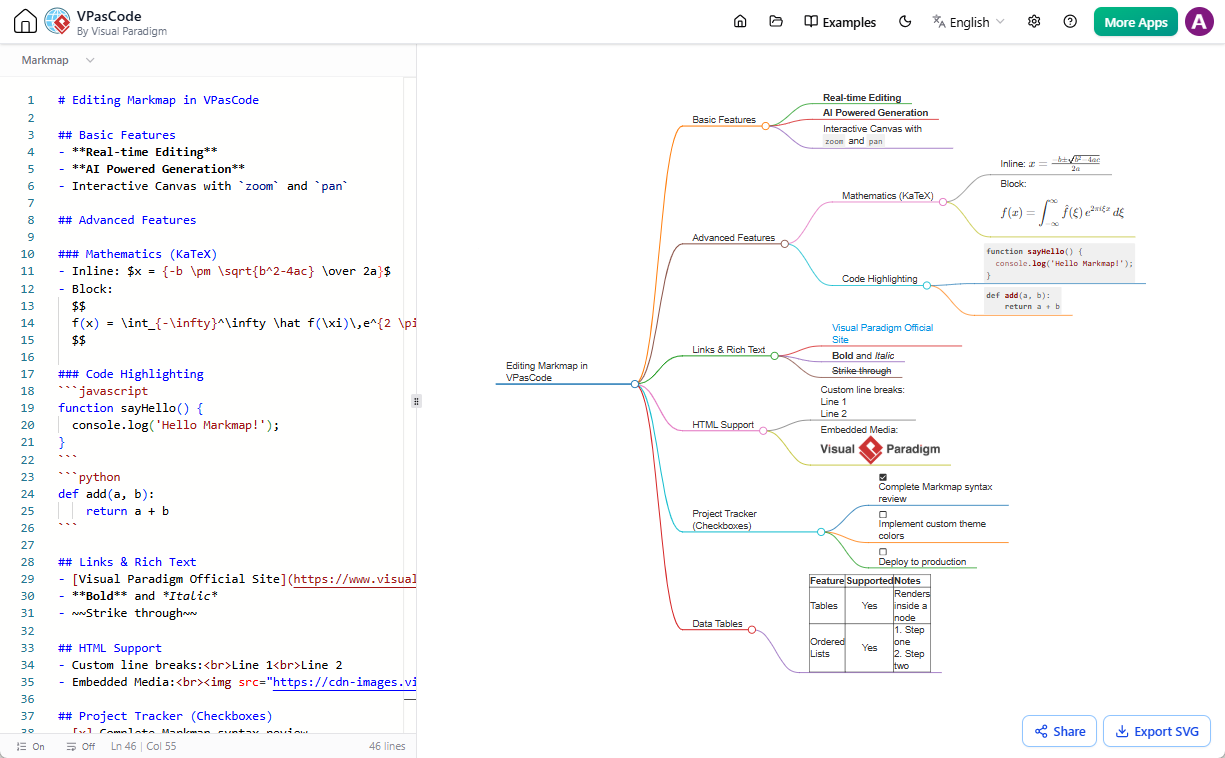
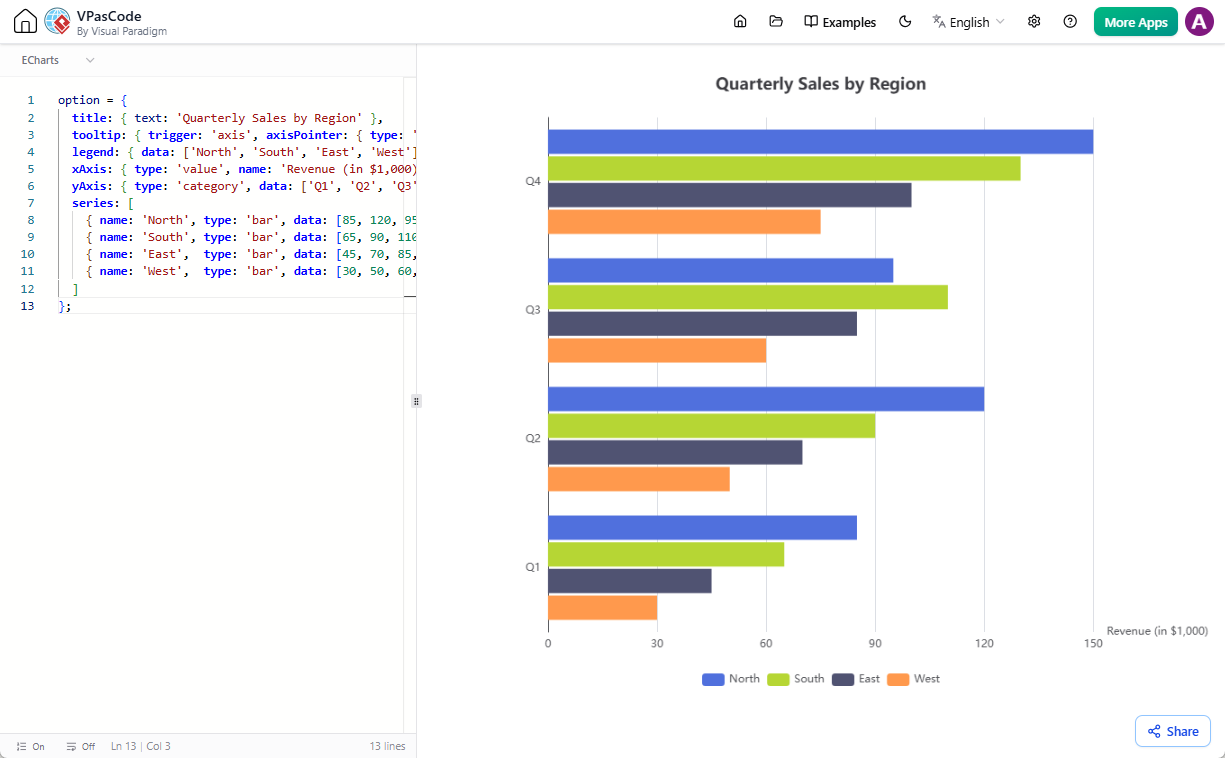
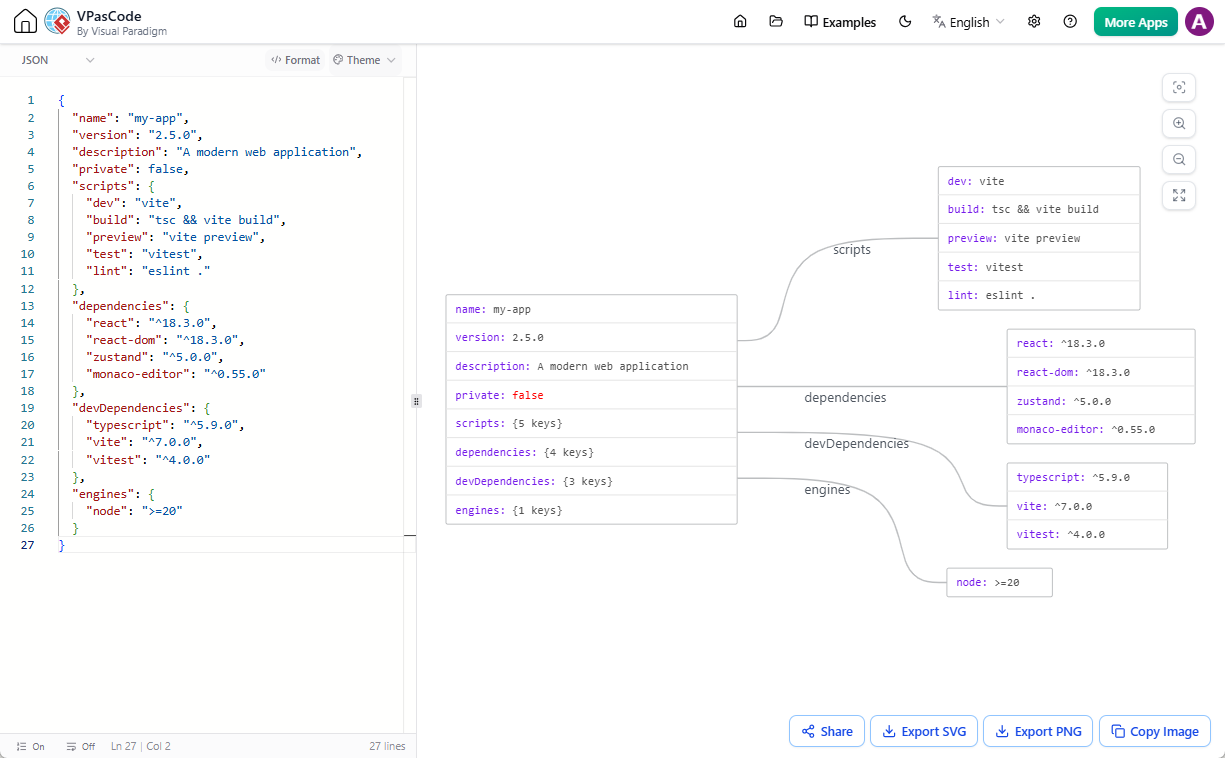
Other Supported Formats
- Markmap
- ECharts
- JSON
- SQL
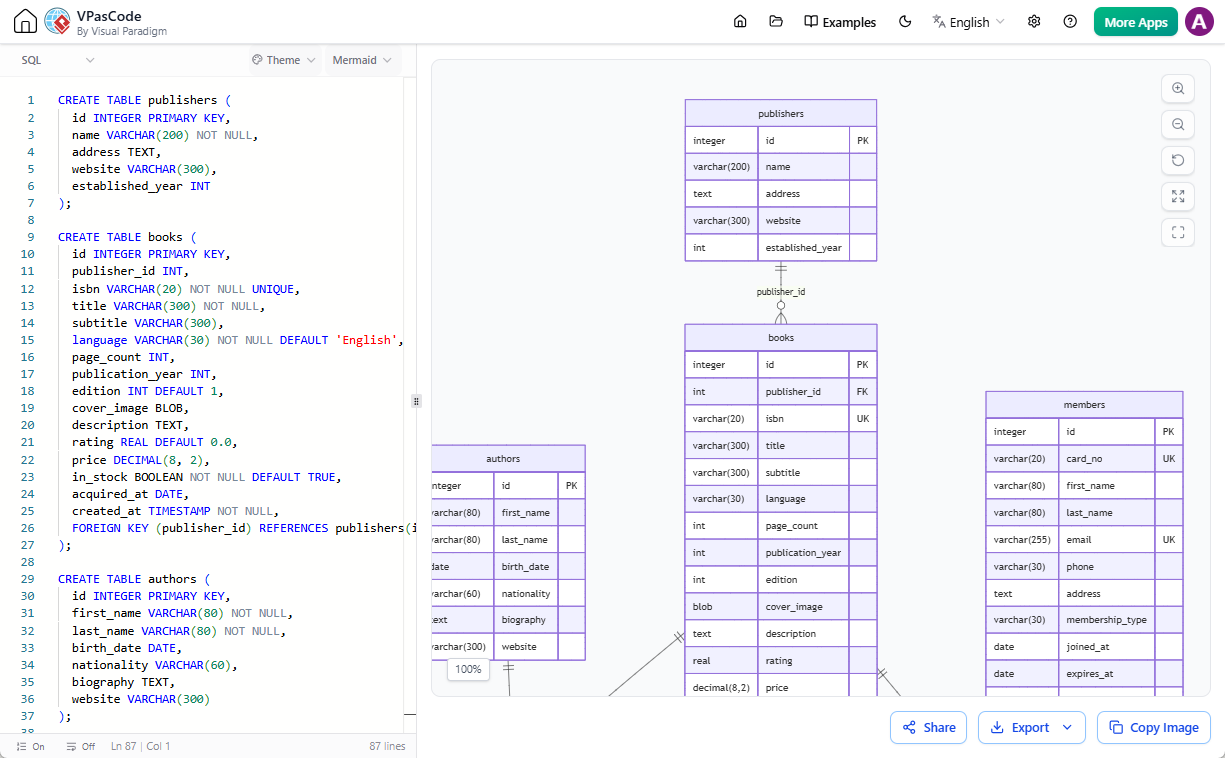
How VPasCode Fits into the Visual Paradigm AI Ecosystem
VPasCode isn’t just a standalone text-to-diagram tool—it’s a core part of the Visual Paradigm AI Ecosystem. Here’s how it integrates with other tools to supercharge your workflow:
- Generate Code with AI Diagramming Chatbot:
Use Visual Paradigm’s AI to generate diagram code from natural language prompts. For example, ask the chatbot to “Create a class diagram for an e-commerce system,” and it will generate the code for you.
- Edit in VPasCode:
Click the “Open in VPasCode” button to open the generated code in VPasCode. Here, you can refine the diagram, fix errors with AI, or translate it to another format (e.g., from PlantUML to Mermaid).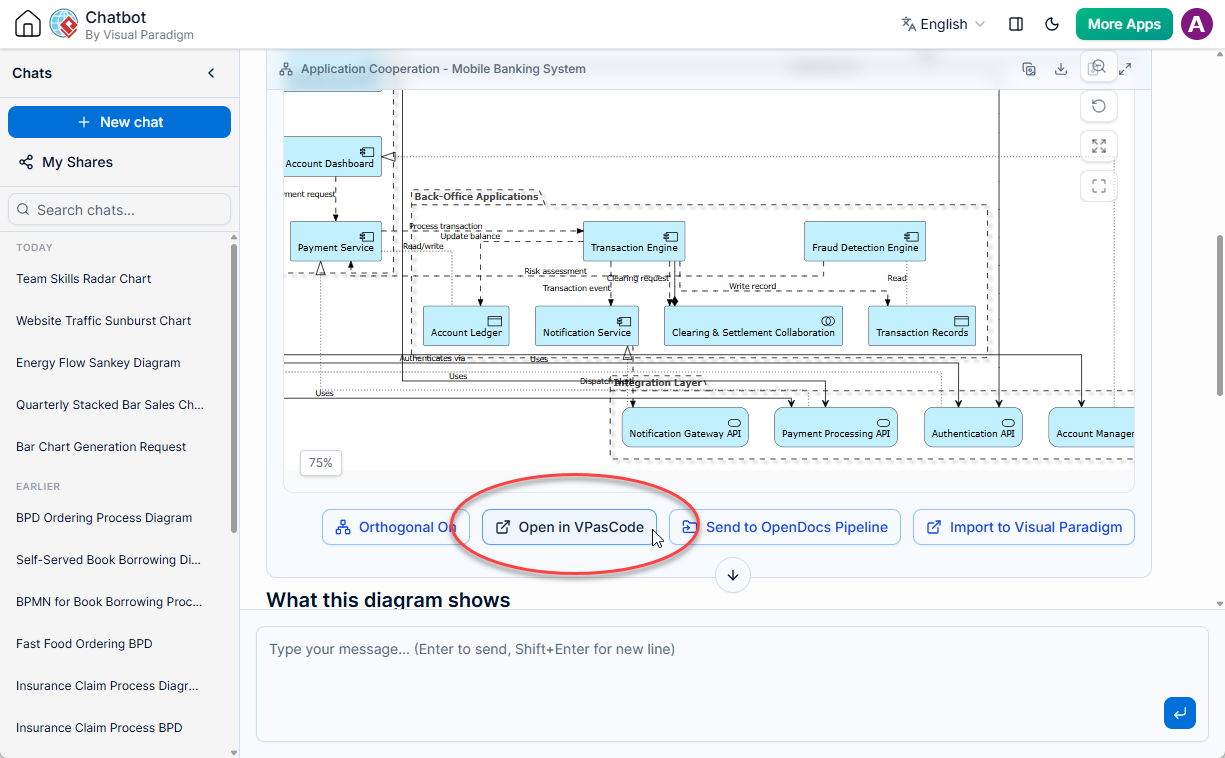
- Export to OpenDocs:
Once your diagram is perfect, send it to Visual Paradigm OpenDocs for documentation and knowledge sharing. This seamless integration ensures your diagrams are always up-to-date and accessible to your team.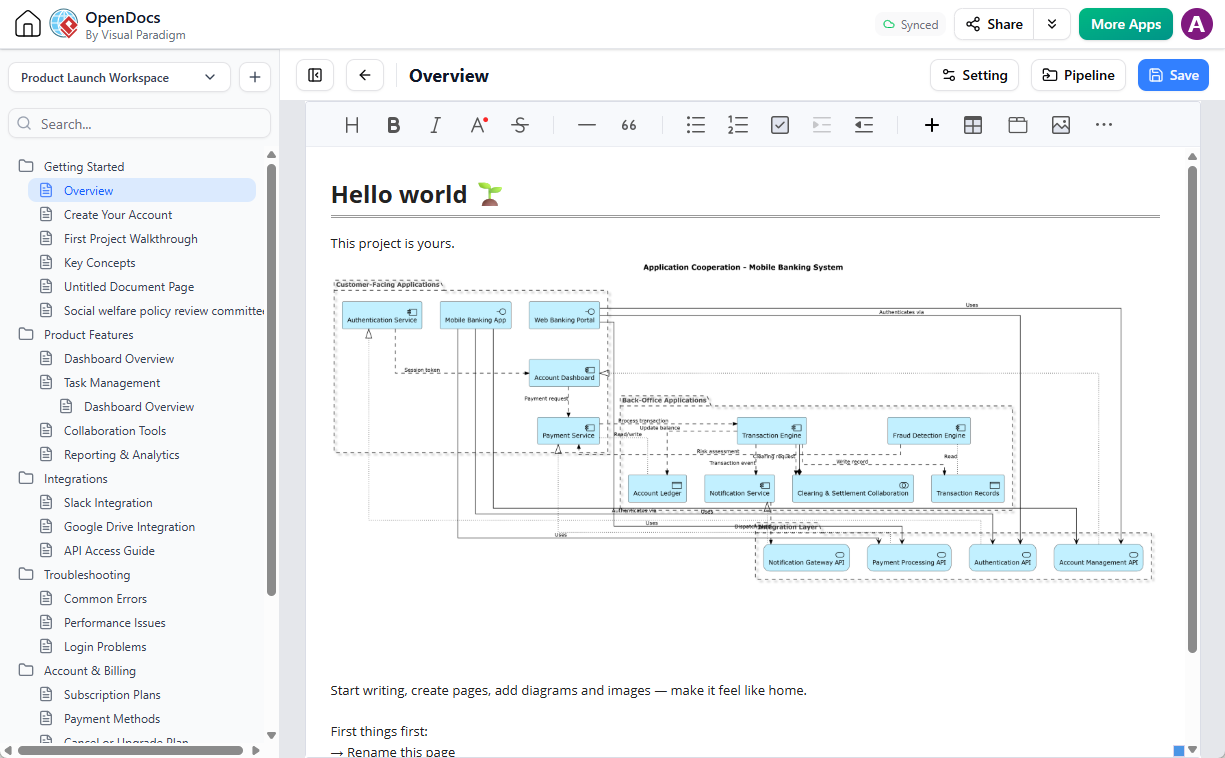
This ecosystem approach makes VPasCode the most collaborative and efficient diagram as code tool on the market.
Why VPasCode Stands Out
While there are other diagram as code tools available, VPasCode offers unique advantages:
- Unified Platform:
Most tools support only one or two formats (e.g., PlantUML or Mermaid). VPasCode supports PlantUML, Mermaid, Graphviz, ECharts, JSON, SQL, and more—all in one place. - AI-Powered Features:
From AI code error fixing to content translation (e.g., translating “Car” to “汽車”), VPasCode’s AI features save you time and reduce frustration.
- Free Editing:
Unlike many competitors, VPasCode’s editing features are 100% free. You only pay for advanced AI features if you need them. - Seamless Integration:
As part of the Visual Paradigm AI Ecosystem, VPasCode works hand-in-hand with other tools like the AI Diagramming Chatbot and OpenDocs.
Who Should Use VPasCode?
VPasCode is designed for anyone who needs to create diagrams from text efficiently. This includes:
- Developers: Document your code architecture with class diagrams, sequence diagrams, and more.
- Architects: Design system architectures using component diagrams or deployment diagrams.
- Technical Writers: Embed diagrams directly into documentation using text-based UML tools.
- Project Managers: Visualize workflows with activity diagrams or Gantt charts.
- Students: Learn UML and diagramming concepts with a free diagram as code tool.
Getting Started with VPasCode
Ready to try the future of diagramming? Here’s how to get started with VPasCode:
- Visit VPasCode:
Go to VPasCode and start editing diagrams as text for free. - Choose Your Format:
Select PlantUML, Mermaid, Graphviz, or another supported format. - Write or Paste Your Code:
Type your diagram code directly into the editor or paste code generated by the AI Diagramming Chatbot. - Edit and Refine:
Use VPasCode’s features to fix errors, translate formats, or tweak your diagram. - Export or Share:
Download your diagram as an image or send it to OpenDocs for collaboration.
No installation. No learning curve. Just diagram as code—simplified.
Frequently Asked Questions (FAQ)
Is VPasCode really free?
Yes! The core editing features of VPasCode are completely free. AI features (like error fixing and translation) are available as paid editions.
Can I use VPasCode offline?
VPasCode is an online text-to-diagram tool, so you’ll need an internet connection to use it. However, you can export your diagrams and edit the code offline if needed.
What diagram types does VPasCode support?
VPasCode supports a vast array of diagram types, including: Class diagram, sequence diagram, use case diagram, activity diagram, state diagram, component diagram, deployment diagram, timing diagram, and object diagram across PlantUML, Mermaid, and Graphviz.
How does VPasCode compare to other diagram as code tools?
Unlike other tools that support only one or two formats, VPasCode is a unified platform for PlantUML, Mermaid, Graphviz, and more. It also integrates seamlessly with the Visual Paradigm AI Ecosystem, allowing you to generate, edit, and document diagrams in one workflow.
Conclusion: The Future of Diagramming Is Code
The shift from drag-and-drop to diagram as code is inevitable. Tools like VPasCode are leading the charge by offering a free, powerful, and unified way to create diagrams from text.
Whether you’re a developer, architect, or technical writer, VPasCode provides the flexibility and efficiency you need to bring your ideas to life.
Ready to try it?
Visit VPasCode today and experience the future of diagramming.