


Introduction
In today’s fast-paced digital landscape, static documents and traditional PDFs often fail to capture audience attention or deliver memorable experiences. Organizations, educators, marketers, and creators are increasingly seeking dynamic, interactive ways to present content that engages readers, enhances comprehension, and encourages sharing. This case study explores how Visual Paradigm Online Flipbook Maker (also known as Fliplify) empowers users to transform ordinary documents into stunning, interactive virtual bookshelves—complete with realistic page-flipping effects, AI-powered content generation, and seamless sharing capabilities. By examining its core features, implementation workflow, and real-world applications, we demonstrate how this cloud-based platform is redefining digital publishing for businesses and individuals alike.
The Challenge: Engaging Audiences in a Digital-First World
Organizations face mounting pressure to make digital content more engaging, accessible, and shareable. Traditional PDFs and slide decks, while functional, often lack interactivity, visual appeal, and the ability to be easily discovered or organized. Key challenges include:
-
Low Engagement: Static documents fail to hold reader attention or encourage exploration.
-
Poor Organization: Large collections of digital files become difficult to navigate and manage.
-
Limited Sharing Options: Distributing content securely while maintaining brand consistency is complex.
-
Device Fragmentation: Ensuring content renders beautifully across desktops, tablets, and smartphones requires significant technical effort.
Solution Overview: Visual Paradigm’s Flipbook Maker & Virtual Bookshelf
Visual Paradigm Online Flipbook Maker addresses these challenges through an intuitive, cloud-based platform that converts static documents into interactive flipbooks and organizes them within customizable virtual bookshelves. The solution combines AI-powered content creation, drag-and-drop design tools, multimedia integration, and robust sharing options—all accessible via any web browser without software installation.
Key Features Deep Dive
AI-Powered Book Generation
Users can simply type a topic, and the platform’s AI engine automatically generates a complete book outline, writes compelling text, and creates professional cover images—all within seconds. This feature dramatically reduces content creation time while maintaining quality and coherence.
Document Conversion & Drag-and-Drop Editor
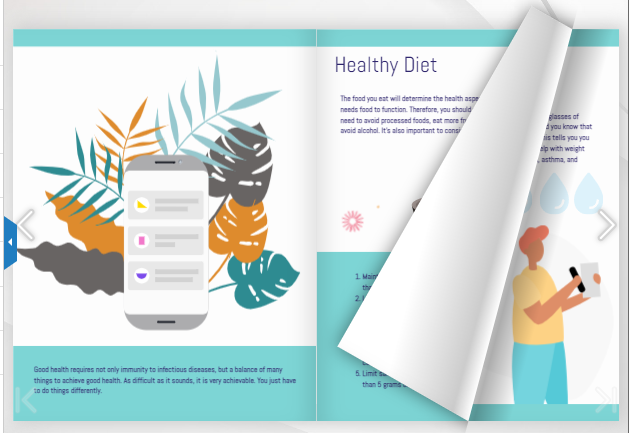
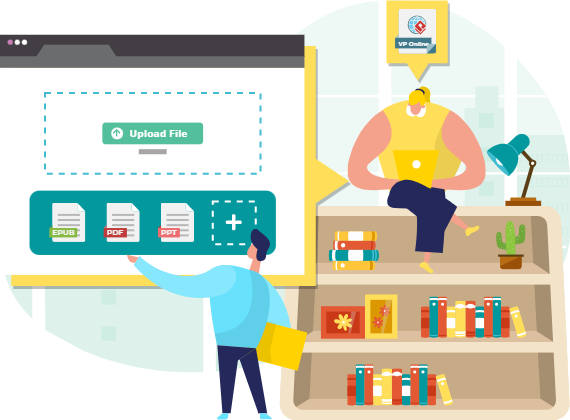
Upload PDFs, PowerPoint presentations, Word documents, or image files to instantly convert them into flipbooks with realistic page-turning animations. For custom projects, the intuitive drag-and-drop editor provides access to built-in templates, fonts, illustrations, and design assets, enabling users to craft publications from scratch without coding skills.
Virtual Bookshelf Organization & Customization
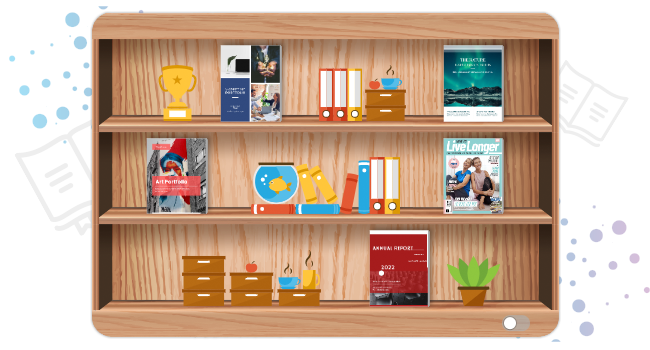
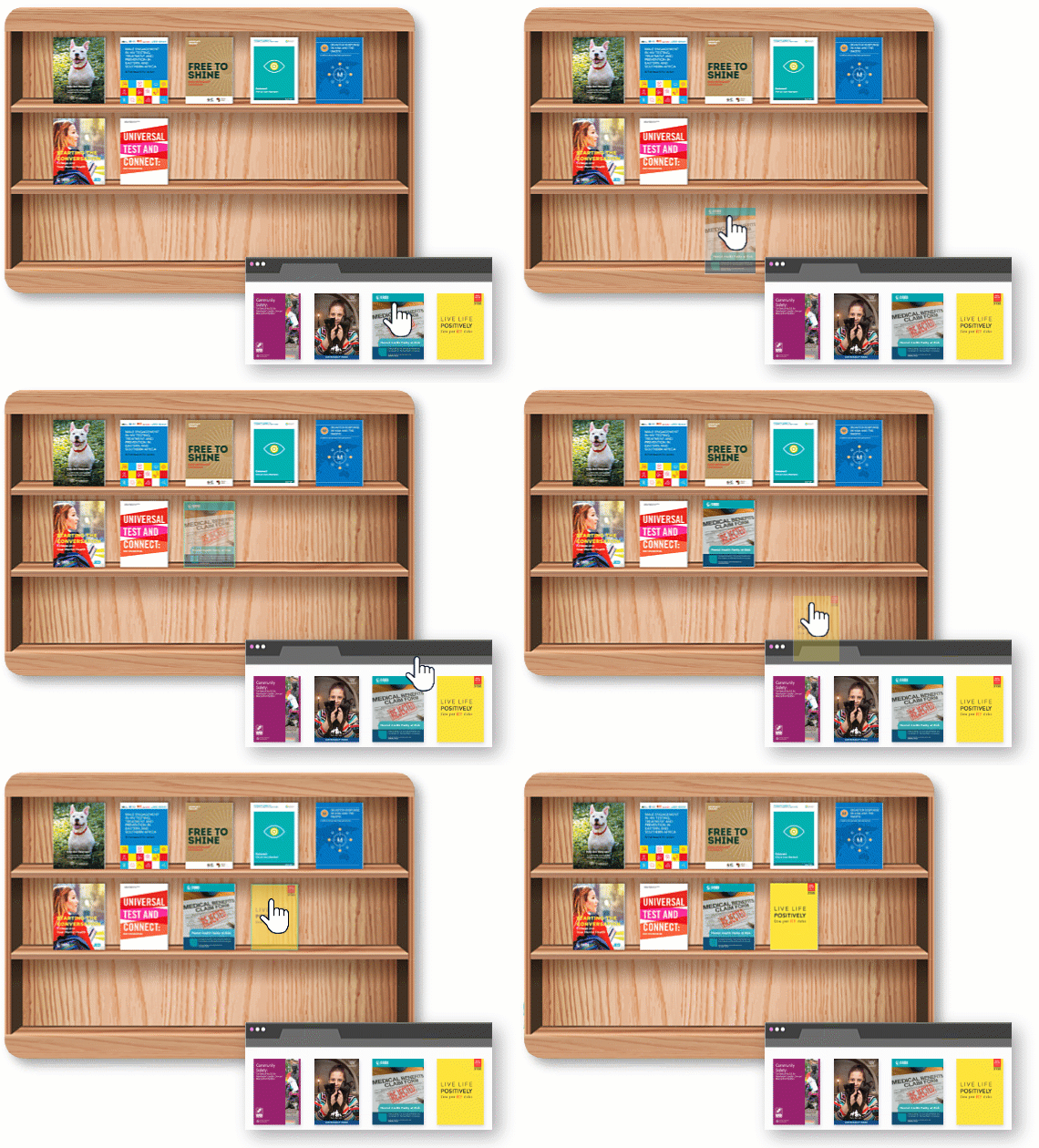
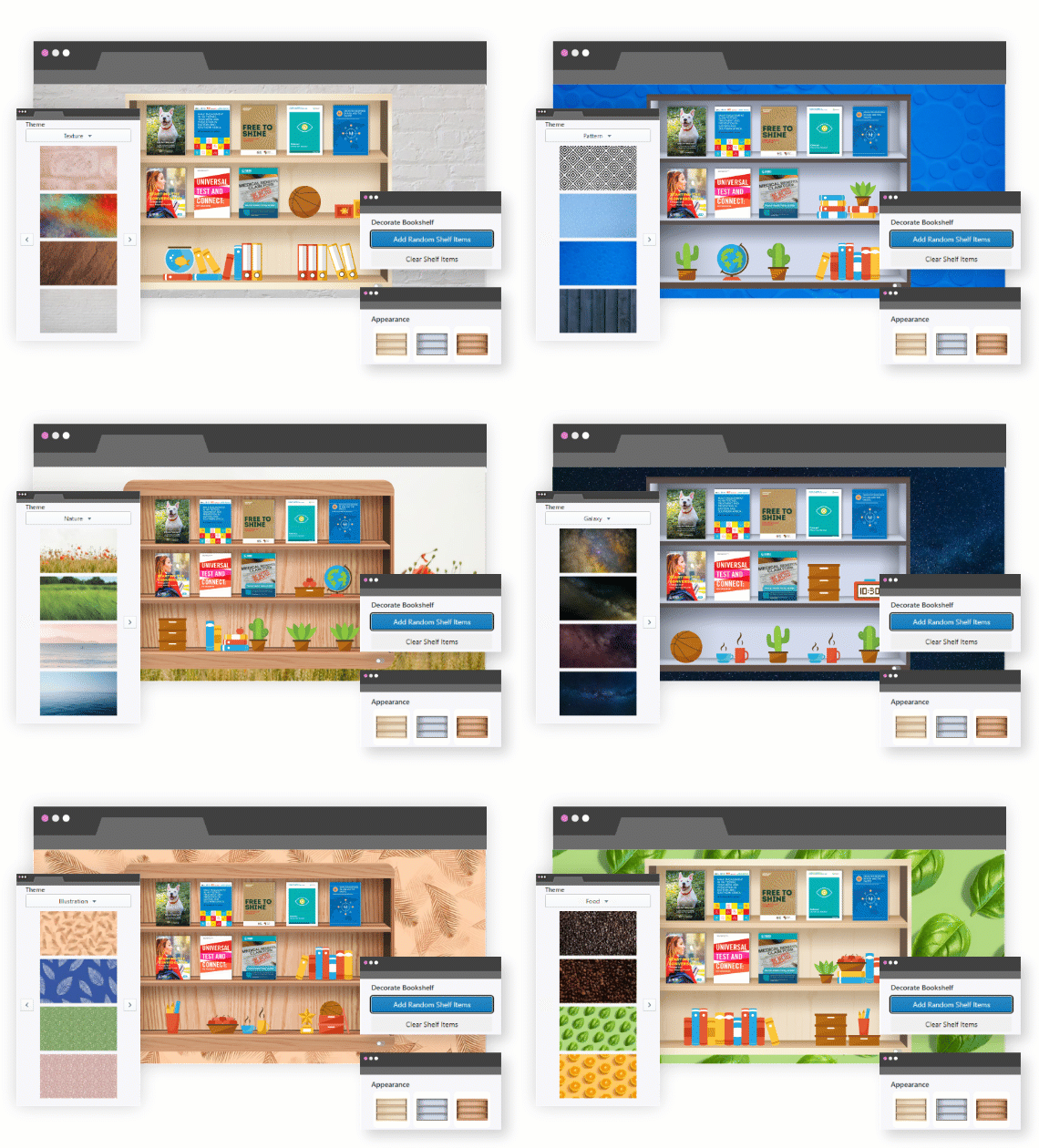
Enjoy the convenience of arranging and categorizing your books based on their types or genres. Create multiple bookshelves to further streamline your collection and make it easy to locate and access your favorite reads. Different book types carry different vibes—personalize your bookshelf to reflect your collection with various themes, backgrounds, and layout options.
Multimedia Integration & Decorative Accessories
Enhance engagement by embedding videos, audio clips, hyperlinks, and animations directly into flipbook pages. Additionally, small decorative items and accessories breathe new life into a bookshelf, creating a visually stunning impact for readers. The platform offers a diverse, high-quality collection of decoration items readily available to adorn your virtual space.

Seamless Sharing & Access Control
Every published bookshelf receives a distinctive, shareable link. Distribute your collection via social media, email, or embedded website widgets. For sensitive content, enable password protection to control access. Readers enjoy books on any device without additional software, with built-in features like text search and offline PDF export.

Implementation Workflow: From Document to Interactive Flipbook
Creating a stunning flipbook and virtual bookshelf follows a simple three-step process:
-
Create a Flipbook: Start by uploading and converting a document to flipbook format, or design it from scratch using the AI generator or drag-and-drop editor.
-
Publish or Self-Host: Publish your document as an online flipbook hosted in the cloud, or choose to host flipbooks on your own server for full control.
-
Share Widely: Share your book on social media, via email, embedded on your website, or anywhere else you wish—maximizing reach and engagement.
Real-World Applications & Use Cases
Businesses and creators leverage this versatile platform to build impactful digital publications, including:
-
Product Catalogs & Digital Brochures: Showcase offerings with interactive pages, embedded videos, and direct purchase links.
-
Employee Handbooks & Training Manuals: Deliver onboarding materials that are engaging, searchable, and easily updated.
-
Portfolios, Lookbooks & Reports: Present creative work or business insights with professional polish and multimedia enhancements.
-
Educational Resources: Teachers and institutions create interactive textbooks and lesson materials that captivate students.
-
Event Programs & Conference Guides: Provide attendees with beautifully designed, mobile-friendly schedules and speaker information.
Benefits & Impact
Adopting Visual Paradigm’s Flipbook Maker delivers measurable advantages:
-
Enhanced Engagement: Interactive elements and realistic flipping effects increase time spent with content and improve information retention.
-
Streamlined Workflow: Cloud-based access and intuitive tools reduce production time and technical barriers.
-
Brand Consistency: Customizable themes, fonts, and accessories ensure publications align with organizational identity.
-
Global Accessibility: Responsive design guarantees optimal viewing across all devices and locations.
-
Secure Distribution: Password protection and access controls safeguard sensitive or exclusive content.
-
Analytics & Insights: Track views, shares, and engagement to refine content strategy and demonstrate ROI.
Conclusion
The evolution from static documents to immersive, interactive flipbooks represents a significant leap forward in digital content strategy. Visual Paradigm Online Flipbook Maker (Fliplify) empowers users of all technical backgrounds to create, organize, and share beautiful virtual bookshelves that captivate audiences and drive results. By combining AI-powered generation, intuitive design tools, multimedia integration, and robust sharing capabilities, the platform addresses the core challenges of modern digital publishing. Whether you’re a marketer launching a product catalog, an educator developing course materials, or a creative professional showcasing your portfolio, this solution provides the flexibility, polish, and reach needed to succeed in today’s attention economy. As digital expectations continue to rise, embracing interactive, visually rich content isn’t just advantageous—it’s essential. Start transforming your documents into unforgettable experiences today.
References
-
Comprehensive Guide to Creating Animated Content for Flipbooks with Visual Paradigm Online’s Flipbook Maker: In-depth tutorial covering animation techniques and best practices for enhancing flipbook interactivity using Visual Paradigm’s tools.
-
The Complete Tutorial to Visual Paradigm Flipbook Maker: Step-by-step walkthrough for beginners and advanced users to master flipbook creation, customization, and publishing workflows.
-
Visual Paradigm’s Flipbook Maker: A Game Changer for Interactive Content: Industry analysis highlighting how the platform transforms static documents into engaging, shareable digital experiences.
-
Reference List for Learning Fliplify of Visual Paradigm Online: Curated collection of resources, tutorials, and documentation to accelerate proficiency with Fliplify features.
-
Fliplify Chinese Language Resource Page: Localized platform access and support materials for Chinese-speaking users and teams.
-
AI Flipbook Maker Features Overview: Official feature breakdown of AI-powered book generation, including outline creation, text writing, and cover image synthesis.
-
Community Guide: Getting Started with Flipbook Creation: User-contributed tips, templates, and troubleshooting advice from the Visual Paradigm community forum.
-
Comprehensive Guide to Fliplify: Creating Interactive Flipbooks with Visual Paradigm: End-to-end guide covering document conversion, virtual bookshelf setup, customization options, and sharing strategies.
-
Official Visual Paradigm Online Flipbook Maker Platform: Primary access point for the cloud-based flipbook creation tool, featuring real-time editing and publishing capabilities.
-
Step-by-Step Flipbook Creation Tutorial: Interactive walkthrough for uploading documents, applying templates, adding multimedia, and publishing flipbooks.
-
Announcement: AI Flipbook Generator Launch: Official release notes and feature highlights for the AI-powered book generation module.
-
Exploring Flipping Book Animation Software Capabilities: Technical deep-dive into animation engines, page-turning physics, and performance optimization for smooth flipbook experiences.
-
Elevate Your Digital Presence with Dynamic and Engaging Flipbooks: Strategic insights on using flipbooks to boost brand visibility, audience engagement, and content marketing ROI.
-
Community Case Study: Econormula Flipbook Project: Real-world example showcasing how an organization implemented flipbooks for training and internal communications.
-
Unleash the Power of AI: Create Stunning Flipbooks Instantly: Showcase of AI-driven workflows that reduce content creation time while maintaining professional quality and creativity.
-
Flipbook Maker Quick Start Guide: Concise reference manual for new users to rapidly onboard and produce their first interactive flipbook.